VP3 file viewer
Open a Husqvarna Viking or Pfaff VP3 design and see it in its thread colours, with thread brands and numbers, size, stitch count and sewing time.
Save as: · · · · · · ·
More options
VP3 is the embroidery format shared by Husqvarna Viking and Pfaff, the two machine brands that belong to the same company. Their current machines and software, from the Designer and Creative ranges to mySewnet, save designs as VP3, and many design shops sell a VP3 version of every design. The format is more descriptive than most: each thread is stored with its colour, its name, its brand and its catalogue number. This VP3 viewer shows all of that, along with the design itself, its size, its stitch count and the time it takes to sew.
How to view a VP3 file
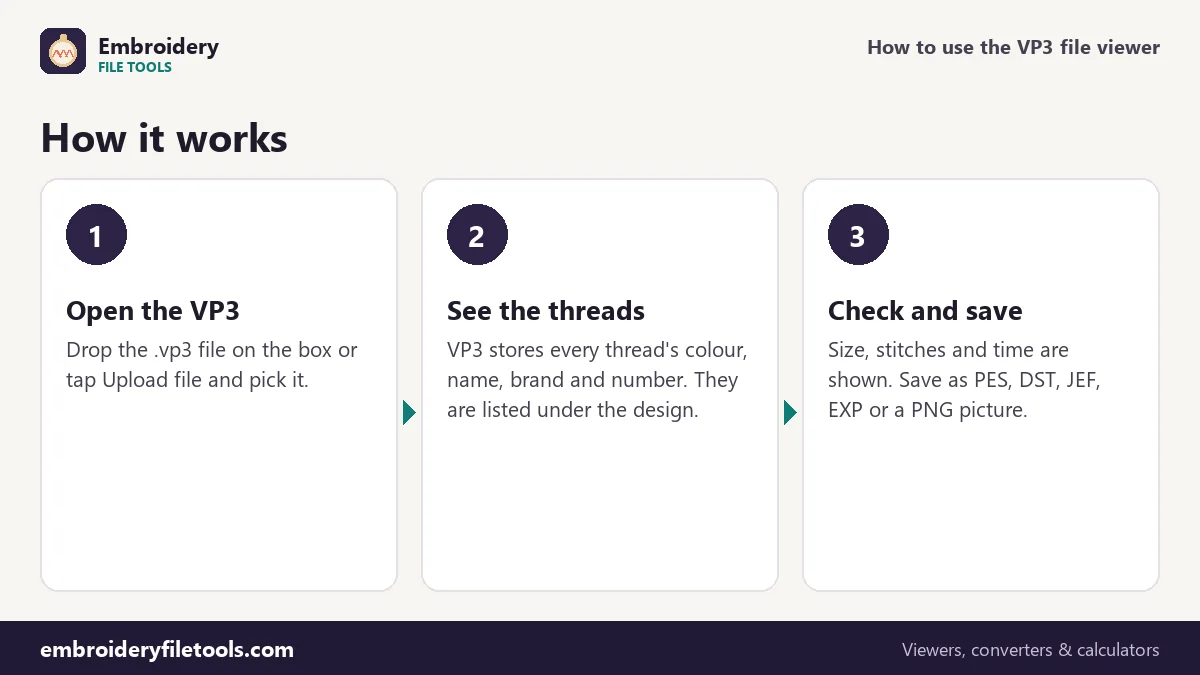
- Open the file. Drag the .vp3 file onto the box at the top, drop it anywhere on the page, or tap Upload file.
- Look at the design. The stitches are drawn in their own thread colours. Use the + and − buttons, pinch, or Ctrl and the scroll wheel to zoom; drag to move around.
- Read the thread list. Each thread appears with its name, brand and number and the number of stitches sewn in it. The facts line above gives the size, stitches, colours, trims and sewing time.
What is inside a VP3
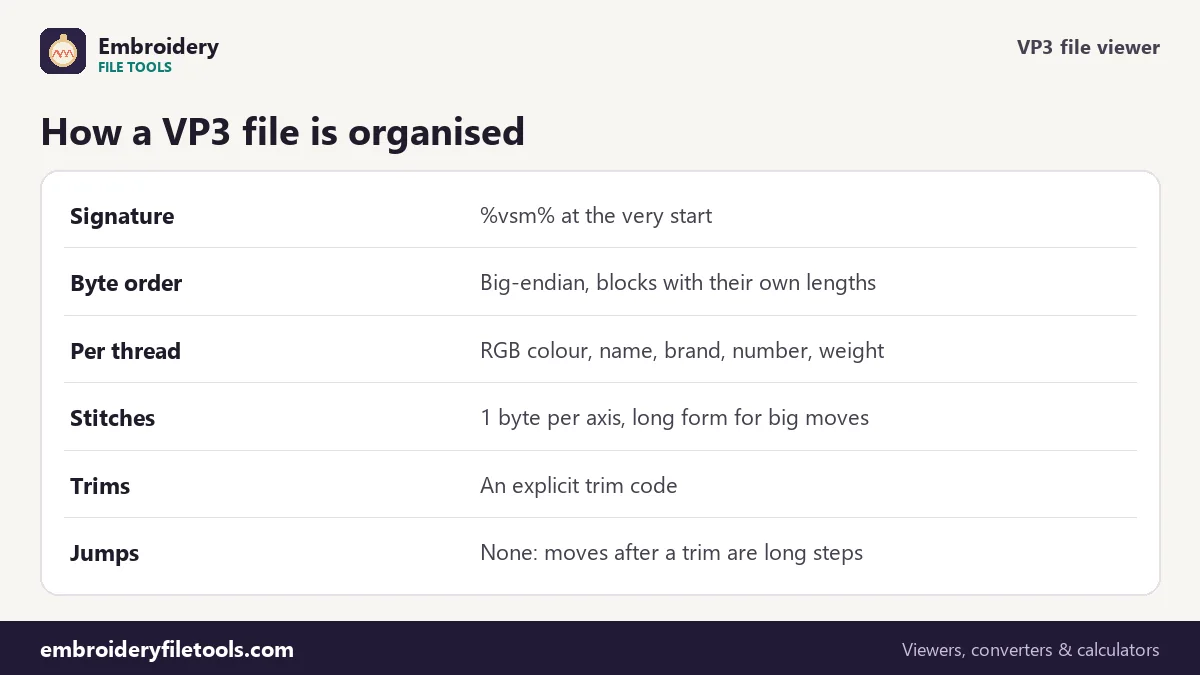
A VP3 file starts with the characters %vsm% and a line of text naming the program that made it. The rest is organised in nested blocks, each starting with its own length, in big-endian byte order: a file block, a design block with the design's extents and centre, and then one block per thread. Each thread block records where that colour starts relative to the design centre, the thread itself and its stitches.
The thread record is what makes VP3 useful. It holds the exact colour as an RGB value, the catalogue number, a description, the brand, and the thread type and weight. The demo file's threads:
| Thread | Colour | Stitches |
|---|---|---|
| Cherry Red | #e53935 | 2,891 |
| Blush | #f8bbd0 | 986 |
| Wine | #8e0000 | 427 |
The stitches inside a thread block are stored as one byte for each direction, or, for bigger moves, a long form that can cover up to 3,200 units, 320 mm. There is a separate code for a trim. There is no jump code: after a trim, the move to the next part of the design is written as one long step, which the machine travels without stitching. The viewer reads those steps as travel, so they do not appear as long lines across the picture.
The demo design in numbers
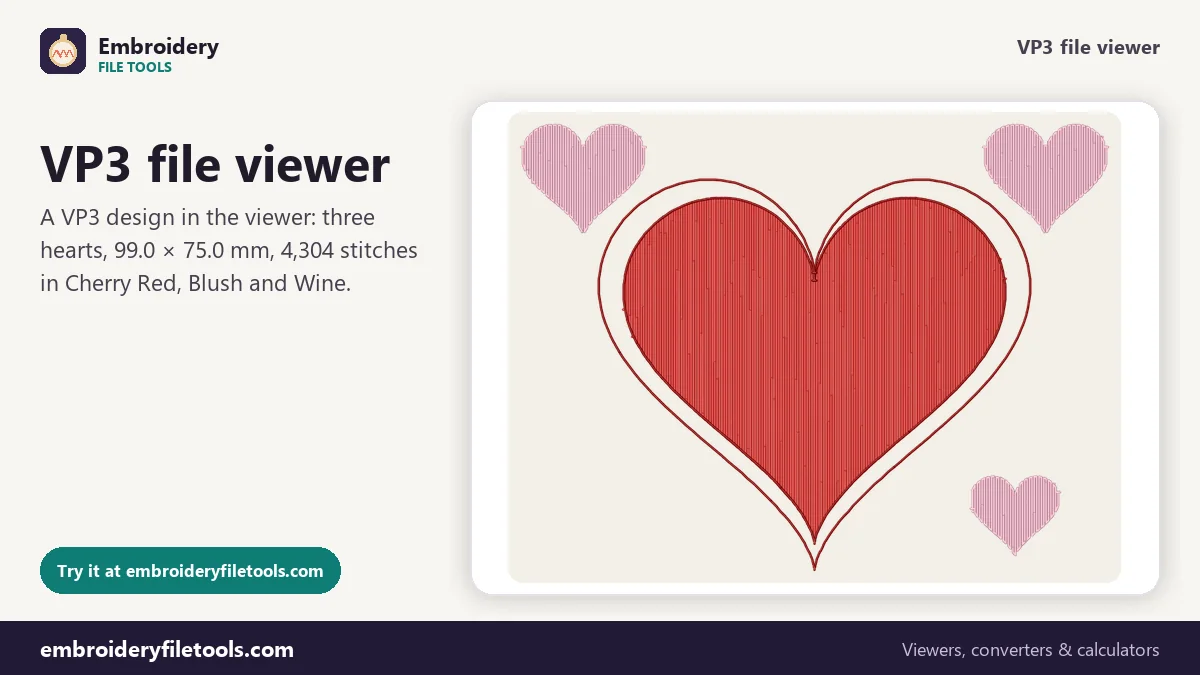
The three hearts measure 99.0 × 75.0 mm, which is 3.90 × 2.95 inches. There are 4,304 stitches in three colours, so two colour changes, and 7 trims. A single-needle machine at 700 stitches a minute needs about 9 minutes, counting a minute for each thread change; a multi-needle machine about 5.
The file is 8.9 KB. The same design is 27.8 KB as a Brother PES, which stores a second copy of the stitches for the machine and small screen pictures, and 13.3 KB as DST.
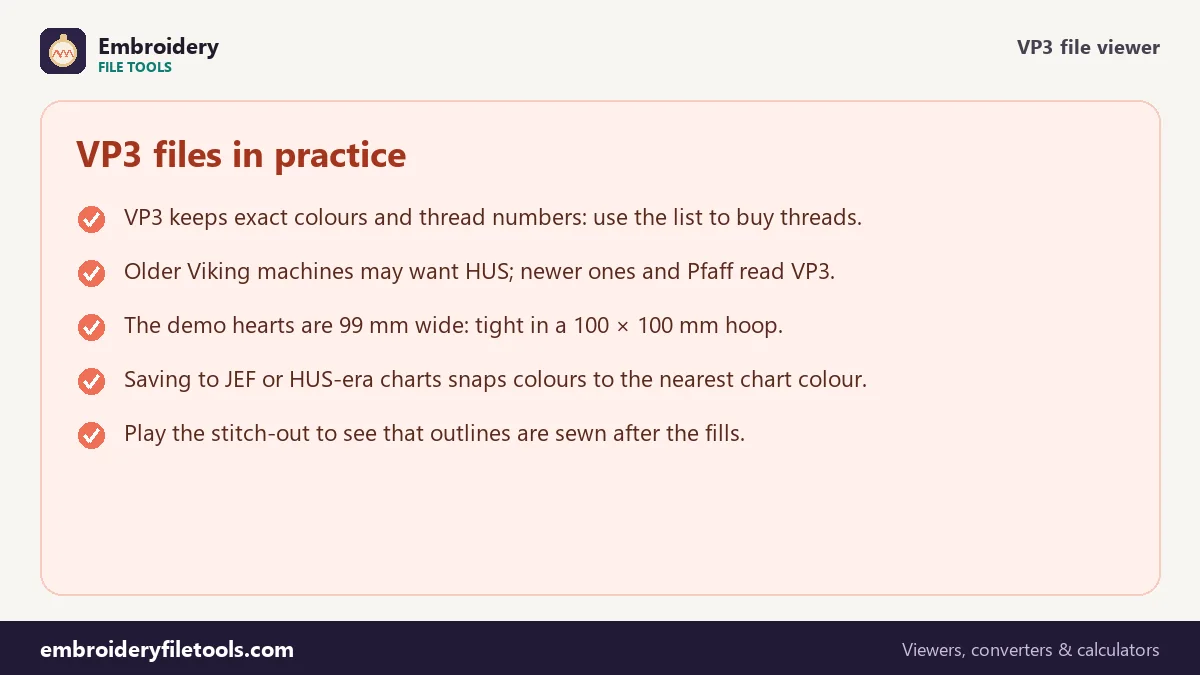
At 99 mm wide the design technically fits a 100 × 100 mm hoop, but with only half a millimetre to spare on each side. In practice that leaves no room for hooping the fabric slightly off centre, so a 120 × 120 mm or larger hoop is the safer choice. The hoop size checker lists the Viking and Pfaff hoops and lets you add a safety margin.
Colours when you save to other formats
VP3 and PES version 6 both store exact colours with names, so a VP3 saved as PES keeps Cherry Red, Blush and Wine as they are; only the Brother machine screen shows the nearest of its own 64 chart colours. JEF stores Janome chart numbers instead, so colours move to the nearest Janome thread. DST and EXP store no colours. The VP3 to PES converter and PES to VP3 converter cover the two most common directions in detail.
VP3 and HUS
Before VP3, Husqvarna Viking machines used HUS, a format with compressed stitch data and colours from a fixed 29-colour chart. Older Viking machines may need HUS, while current machines and Pfaff models read VP3. This site opens HUS files in the embroidery file viewer and can turn them into other formats, but it saves Viking and Pfaff designs as VP3.
VP3 viewer: common questions
How do I open a VP3 file on my computer?
Drop it on the upload box on this page. The design opens with its thread list, size and stitch count; no Viking or Pfaff software is needed.
Do Pfaff and Husqvarna Viking use the same VP3?
Yes. Both brands read and write the same VP3 format, so a design bought for one can be used on the other, as long as it fits the hoop.
Why are there no jump stitches in my VP3?
VP3 has no jump code. Travel between parts of a design is written as a long step after a trim. The viewer treats it as travel, not as a stitch line.
Can I change the colours in a VP3?
Yes. Click a swatch in the thread list, pick a colour, and save as VP3 or PES. The new colour is stored exactly; the original thread name is dropped for that colour.
Will the thread numbers work with my thread brand?
They are the numbers of the threads the digitizer chose in their software. For another brand, use a conversion chart from your thread maker or match the swatches by eye.
More embroidery file tools
Updated November 2026 · How these tools work