Embroidery file formats
Find the format your embroidery machine reads, see what each format stores, and check what format a file is in. One click saves it for your machine.
More options
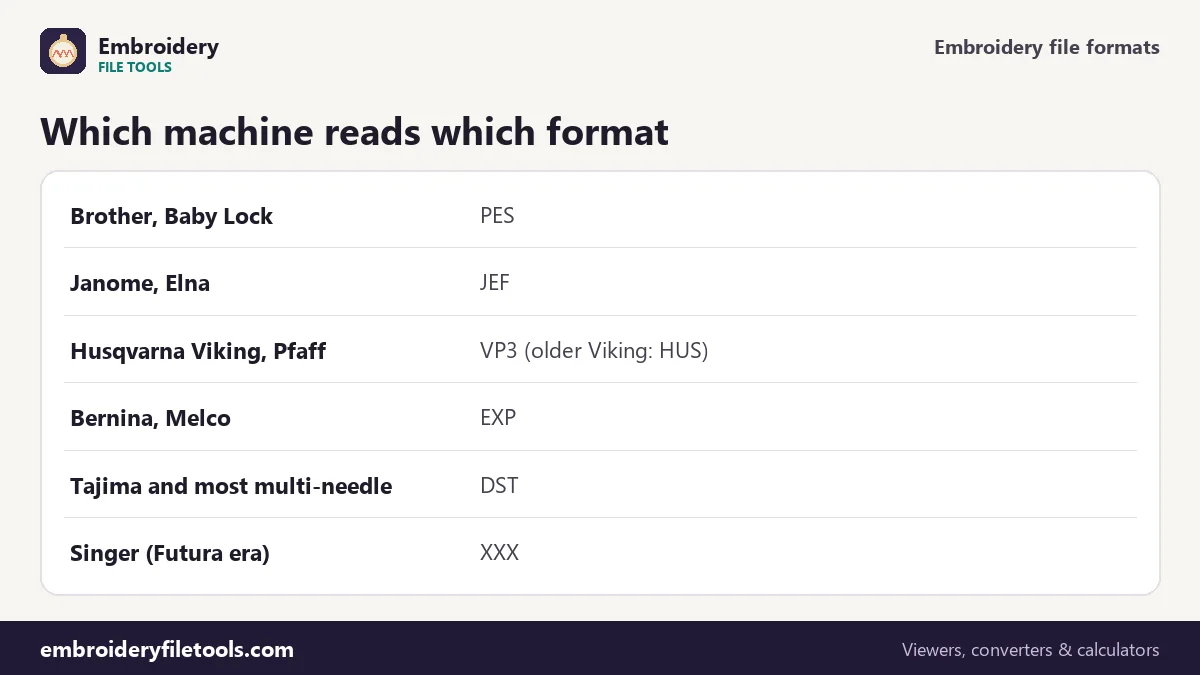
There are dozens of embroidery file formats, but a machine only reads a few, usually the one its maker designed. Brother uses PES, Janome uses JEF, Husqvarna Viking and Pfaff use VP3, Bernina and Melco use EXP, and almost every commercial multi-needle machine reads Tajima's DST. Design shops sell the same design in many formats for that reason, and buyers regularly end up with the wrong one. Pick your machine and drop a file in the checker above: it tells you what format the file is in, what that format stores, and saves a copy in the format your machine reads.
Machine and format chart
| Machine brand | Main format | Other formats you may meet |
|---|---|---|
| Brother | PES | PEC (machine part of a PES); DST on many models |
| Baby Lock | PES | Built by Brother, same files |
| Janome, Elna | JEF | JEF+ from newer Janome software |
| Husqvarna Viking | VP3 | HUS and SHV on older machines |
| Pfaff | VP3 | PCS on older machines |
| Bernina | EXP | ART is Bernina's software format, not a machine file |
| Melco | EXP | DST |
| Singer | XXX on Futura-era models | Newer models vary; check the manual |
| Tajima, Ricoma, SWF, Happy and most multi-needle machines | DST | Barudan also uses DSB, ZSK uses DSZ |
| Toyota | 10o, 100 | DST |
What each format stores
All machine formats store the same core: needle positions in steps of 0.1 mm, colour changes and the end of the design. They differ in what they add.
| Format | Thread colours | Trims | Longest single move | Demo badge |
|---|---|---|---|---|
| PES | Exact colours, names, numbers (version 5+), plus Brother chart | Flag on moves | 204.7 mm | 71.6 KB |
| VP3 | Exact colours, names, brands, numbers | Trim code | 320 mm | 23.2 KB |
| JEF | Janome chart numbers | Usually jumps | 12.7 mm | 23.0 KB |
| XXX | Colour values | Trim code | 12.7 mm (longer as jumps) | 23.1 KB |
| HUS | Husqvarna chart numbers | Trim code | 12.7 mm | read only here |
| EXP | None | Trim code | 12.7 mm | 22.8 KB |
| DST | None | Run of jumps | 12.1 mm | 34.6 KB |
The differences in size come from how much each format writes per stitch and what it carries besides stitches. DST spends three bytes on each stitch, JEF and EXP two. PES is the largest because it holds the design twice in different forms, once for the PE-Design software and once in its PEC block for the machine, along with small pictures for the machine's screen.
How the checker identifies a file
File names can lie: a file renamed from .pes to .pec, a VP3 downloaded without its extension, a DST saved as .tap. The checker looks at the first bytes. PES files start with "#PES" and a four-digit version, PEC with "#PEC", VP3 with "%vsm%", HUS with a fixed four-byte code, and a DST with the text header "LA:". JEF, EXP and XXX have no such signature, so for those the extension decides. It then names the format, gives the PES version when there is one, and explains in a sentence what the file stores.
Getting the right format for your machine
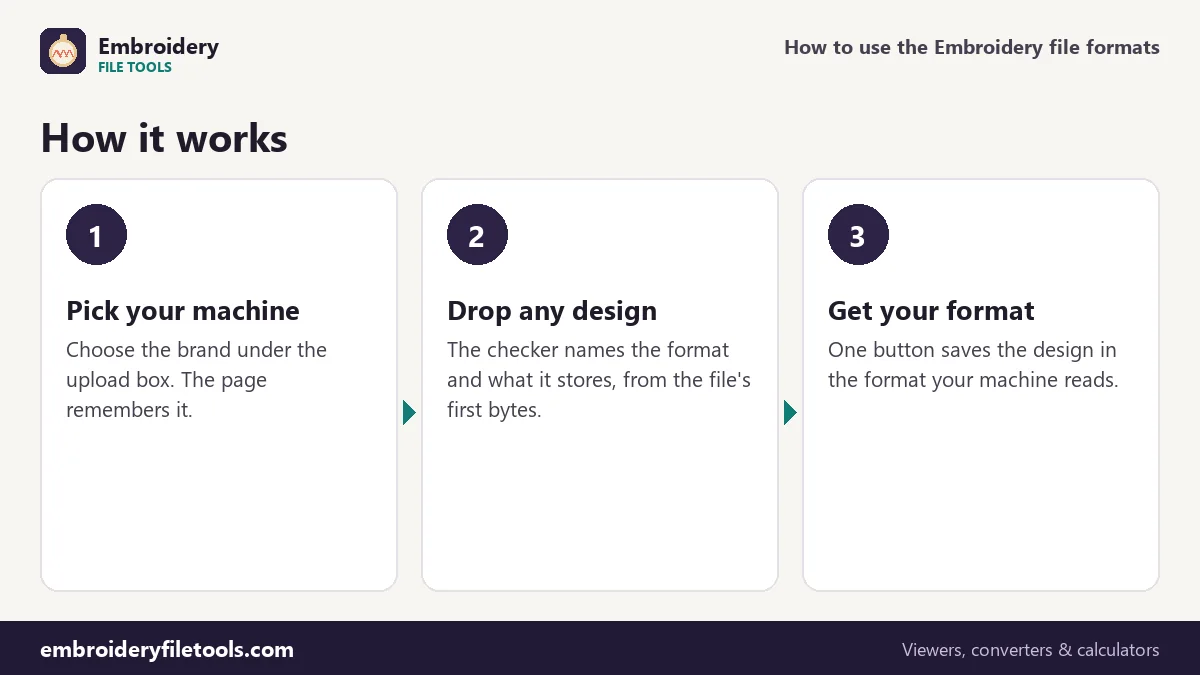
Pick your machine brand under the upload box. If the file is not in your machine's format, the checker shows a button that saves it in the right one. The conversion keeps every stitch; how much of the colour information survives depends on the target format, as the table above shows. For details on a particular pair, see the converter pages, for example DST to PES or JEF to PES, or open the embroidery file converter to save in any format.
Machine files and software files
Digitizing programs keep their own working files, such as EMB in Wilcom, ART in Bernina's software, or the project files of Hatch and Embrilliance. Those files hold objects, fonts and settings, so the design can still be edited, and machines cannot read them. When a designer sends you a working file, ask for an export in your machine's format, or for a DST that you can convert here.
Pictures are different again. A PNG or JPG has no stitches, so it cannot be turned into PES or DST by conversion alone; it needs to be digitized. You can estimate how many stitches it would take with the stitch calculator.
Embroidery file formats: common questions
What file format do embroidery machines use?
Each brand has its own: PES for Brother and Baby Lock, JEF for Janome, VP3 for Husqvarna Viking and Pfaff, EXP for Bernina and Melco, and DST for most commercial multi-needle machines.
Which embroidery format is best?
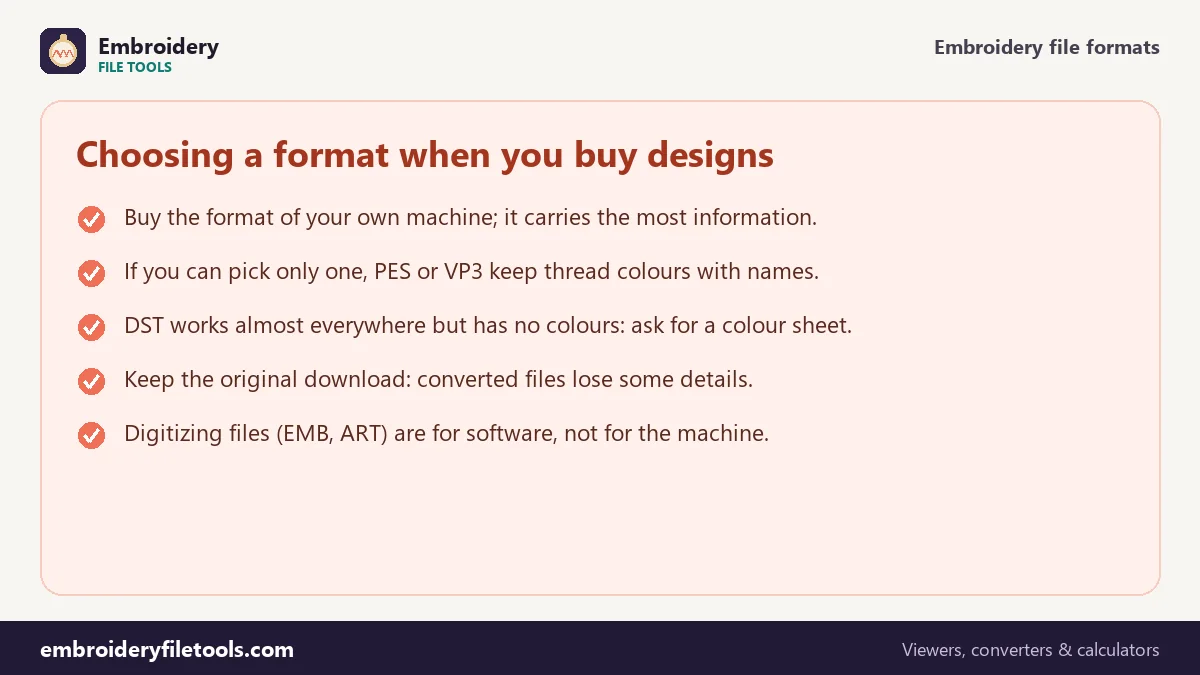
The best format is the one your machine reads. For sharing, PES and VP3 carry the most information, including thread colours and names. DST is the most widely read but stores no colours.
Can every machine read DST?
Nearly every commercial machine can, and many home machines too, but home machines show default colours for a DST and stop at each colour block. Your own machine's format is the better choice.
What is the difference between PES and PEC?
A PEC is the machine part of a PES on its own. A PES adds a part for PE-Design with exact thread colours and names.
How do I know which format a file is?
Drop it in the checker on this page. It reads the file's signature and tells you the format and, for PES, the version.
More embroidery file tools
Updated November 2026 · How these tools work