PES to DST converter
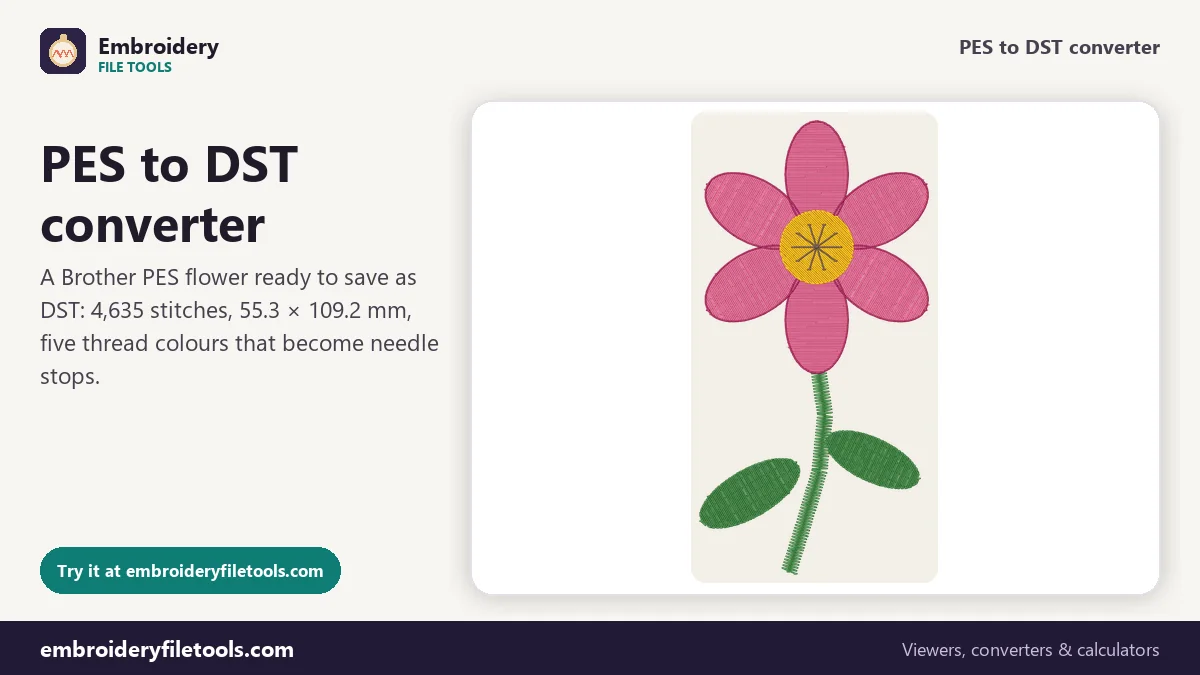
Turn a Brother PES design into a Tajima DST file that commercial multi-needle machines read. The design opens first, so you can check it before you download.
Same design as: · · ·
More options
Brother and Baby Lock machines and the PE-Design software save designs as PES files. Most commercial embroidery machines, the multi-needle heads made by Tajima, Ricoma, SWF, Happy, Barudan and many others, read DST instead. So when a design was bought or made for a home machine and now has to run on a shop's multi-needle machine, the PES has to become a DST. This converter does that with every stitch kept in place, and it shows you the design first so you know exactly what you are sending.
How to convert PES to DST
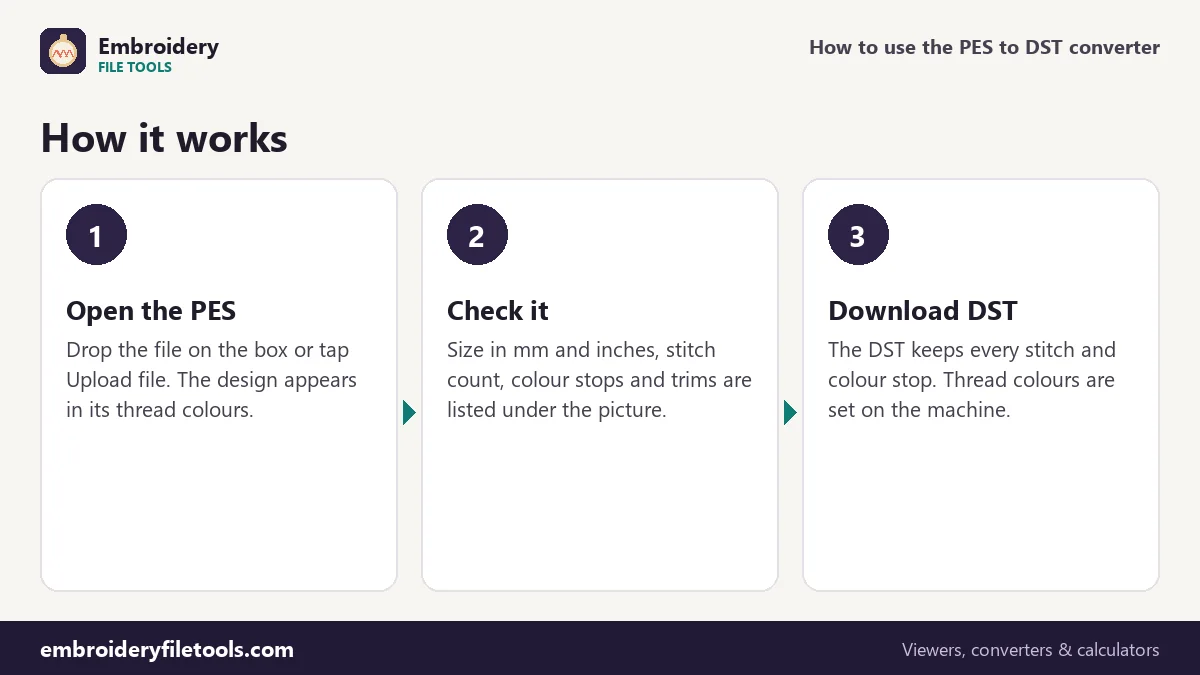
- Open the PES file. Drag it onto the box at the top of the page or tap Upload file. Any PES version opens, from the early #PES0001 files to the version 6 files PE-Design writes today.
- Check the design. The picture shows the stitches in their thread colours. Under it you see the size in millimetres and inches, the stitch count, the number of colours and trims, and roughly how long it takes to sew.
- Download the DST. Press Download DST. The converter writes the file, opens it again as a check and tells you if the stitch count matches. With the demo flower it reports 4,635 stitches in and 4,635 out.
The same design can also be saved as JEF, EXP or VP3 from the links under the box, or as a PNG picture to send along with the file.
What stays the same and what changes
A PES file has two parts. The first part is written for PE-Design: the design name, the thread list with real colours, brand names and catalogue numbers. The second part, the PEC block, is what the machine actually sews: the stitch moves, the colour changes and the little pictures on the machine's screen. A DST file is much simpler. After a 512-byte text header it holds only stitch records, three bytes each, and stop codes.
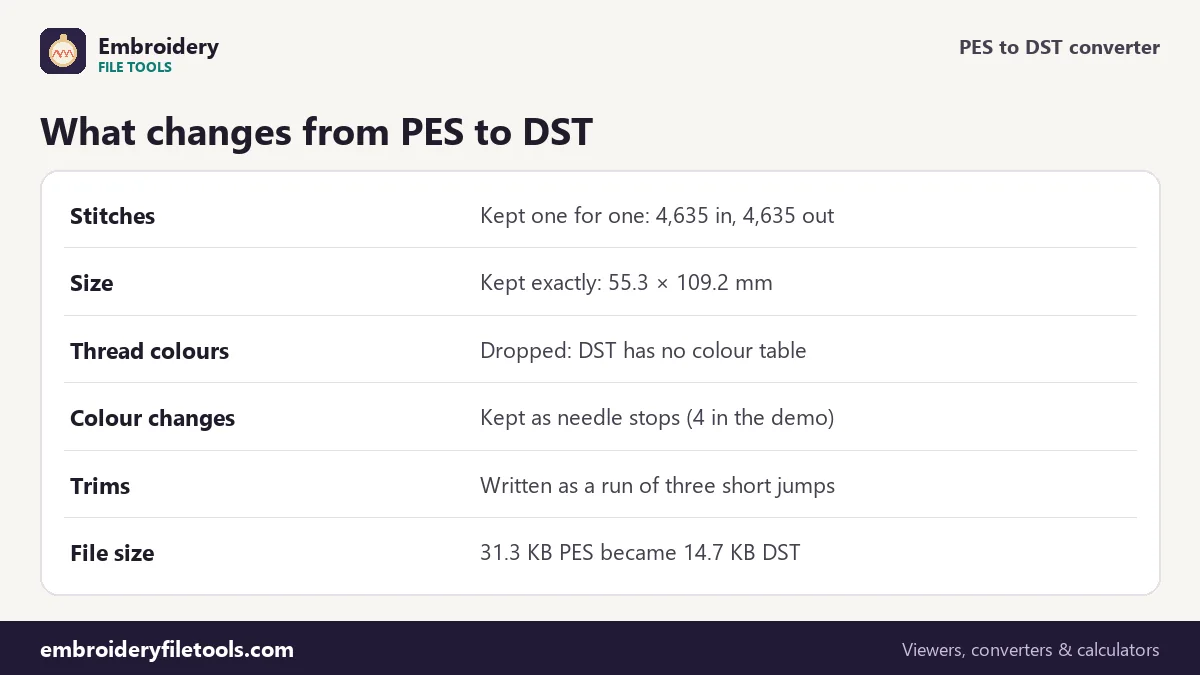
That means the conversion keeps everything the needle needs and drops what only the software uses:
| Part of the design | In the PES | In the DST |
|---|---|---|
| Stitch positions | 4,635 stitches | 4,635 stitches, same positions to 0.1 mm |
| Design size | 55.3 × 109.2 mm | 55.3 × 109.2 mm |
| Colour changes | 4 (five threads) | 4 stops; the operator picks a needle for each |
| Thread names and colours | Forest Green, Rose Pink, Deep Magenta, Sunflower, Cocoa | Not stored |
| Trims | Trim flag on the move | Three short jumps that the machine reads as a trim |
| File size | 31.3 KB | 14.7 KB |
The DST is less than half the size because it has no thread list, no PE-Design header and no machine-screen icons. Nothing is lost from the stitching.
Why the colours disappear, and what to do about it
DST was designed for industrial machines where each needle already holds a cone of thread. The file only says "stop here and change to the next needle"; which colour that needle carries is set on the machine's control panel. That is why every DST viewer shows a DST in made-up colours, and why our own DST viewer lets you click each colour to set the real one.
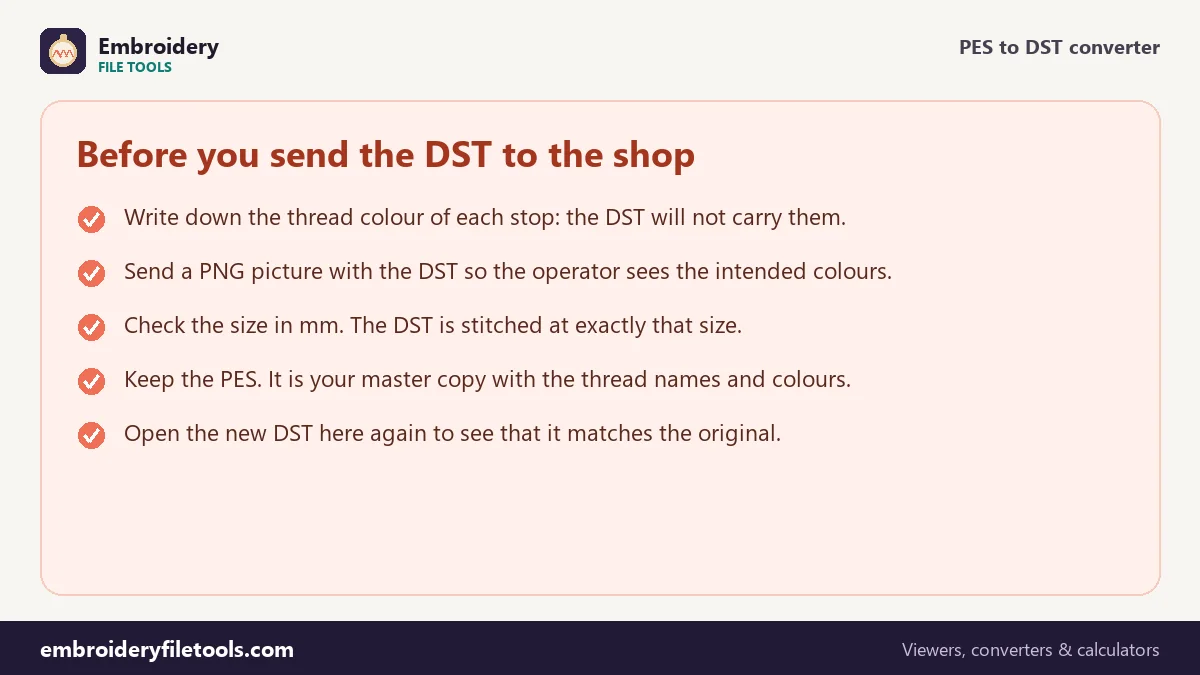
When you hand a converted DST to someone else, give them the colour order too. The easiest way is a picture: use the PNG picture link under the converter and send it with the DST. You can also copy the thread list shown under the design. For the demo flower it reads 1 Forest Green, 2 Rose Pink, 3 Deep Magenta, 4 Sunflower and 5 Cocoa, names taken straight from the PES. When a PES also stores the thread brand and number, they are listed too.
Under More options there is a switch to write those colours into the DST header as TC lines. Some software reads them; most machines simply ignore them, so they do no harm, but do not count on them being shown.
Trims and long jumps
A DST record can move the needle at most 121 units, which is 12.1 mm, in each direction. Longer travels between parts of a design are split into several jump records of up to 12.1 mm each. Trims have no code of their own in DST: the usual convention, which this converter follows, is to write a short run of three jumps that goes out and back to the same point. Tajima-compatible machines read that run as "cut the thread here". The demo flower has 31 trims in the PES and 31 in the DST after conversion.
If your machine has a setting for how many jumps make a trim, three is the common value. On machines set higher, the DST still sews correctly but leaves the travel threads uncut, which you trim by hand.
Checking the DST before it goes on the machine
Open the new DST in the DST viewer or in this converter again. You should see the same shape, the same size and the same stitch count. Play the stitch-out from the link under the design to see the order the machine will sew the parts in. If the shape looks right but the size is wrong, the problem was already in the PES; DST stores sizes exactly, so it does not shrink or stretch a design.
If the design is meant for a particular hoop, the hoop size checker shows which hoops it fits. The flower, 55.3 × 109.2 mm, is too tall for a 4" × 4" hoop and fits a 5" × 7".
PES to DST: common questions
Will the DST stitch out the same as the PES?
Yes. Every stitch is written at the same position, to the nearest 0.1 mm, which is the unit both formats use. The stitch count and the size stay the same. Only the thread colours are not stored, because DST has no place for them.
Why does my DST show strange colours?
A DST file contains no colours, so every program shows it in a stand-in palette. The real colours are chosen on the machine. Send the PNG picture or the thread list with the file so the operator can load the right threads.
Can I convert several PES files to DST?
Convert them one after another: open a file, download the DST, then use Convert another file. Each file takes a second or two.
Does the converter change the stitch density?
No. It does not add, remove or move stitches, so the density is exactly what the digitizer made. To change the size of a design properly you need digitizing software that recalculates the fill.
My PES has more than one design or hoop position. What happens?
The converter reads the stitches the machine would sew, from the PEC block, so the DST contains the whole design in one piece, in sewing order.
What about DST to PES?
Use the DST to PES converter. There you can set the thread colours before saving, because the DST does not have them.
More embroidery file tools
Updated November 2026 · How these tools work