VP3 to PES converter
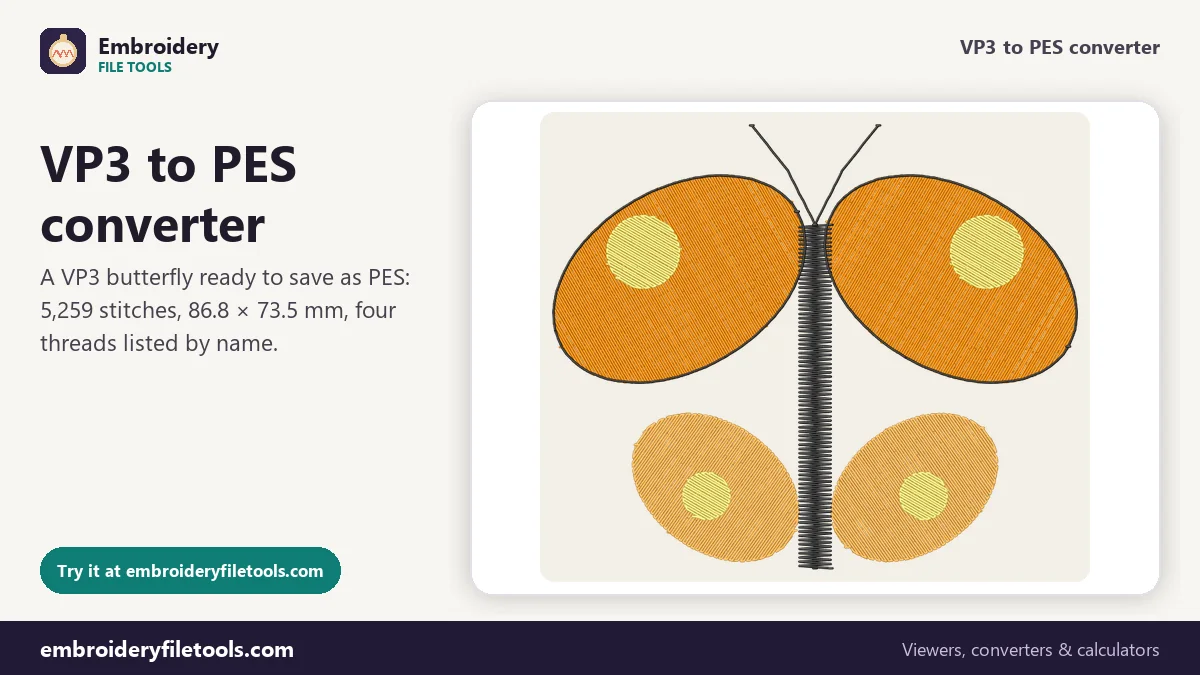
Open a Husqvarna Viking or Pfaff VP3 design and save it as a PES for a Brother or Baby Lock machine. The thread list comes across with the stitches.
Same design as: · · ·
More options
VP3 is the format that current Husqvarna Viking and Pfaff machines and their software save. Brother machines, along with Baby Lock and the Brother-made Bernette Deco models, sew PES. A design that was only sold as VP3, a folder of files kept after moving from a Pfaff to a Brother, a swap between friends with different machines: each time, the VP3 has to become a PES. This converter copies every stitch across, and because both formats have room for real thread colours and names, your thread list comes with it.
How to turn a VP3 into a PES
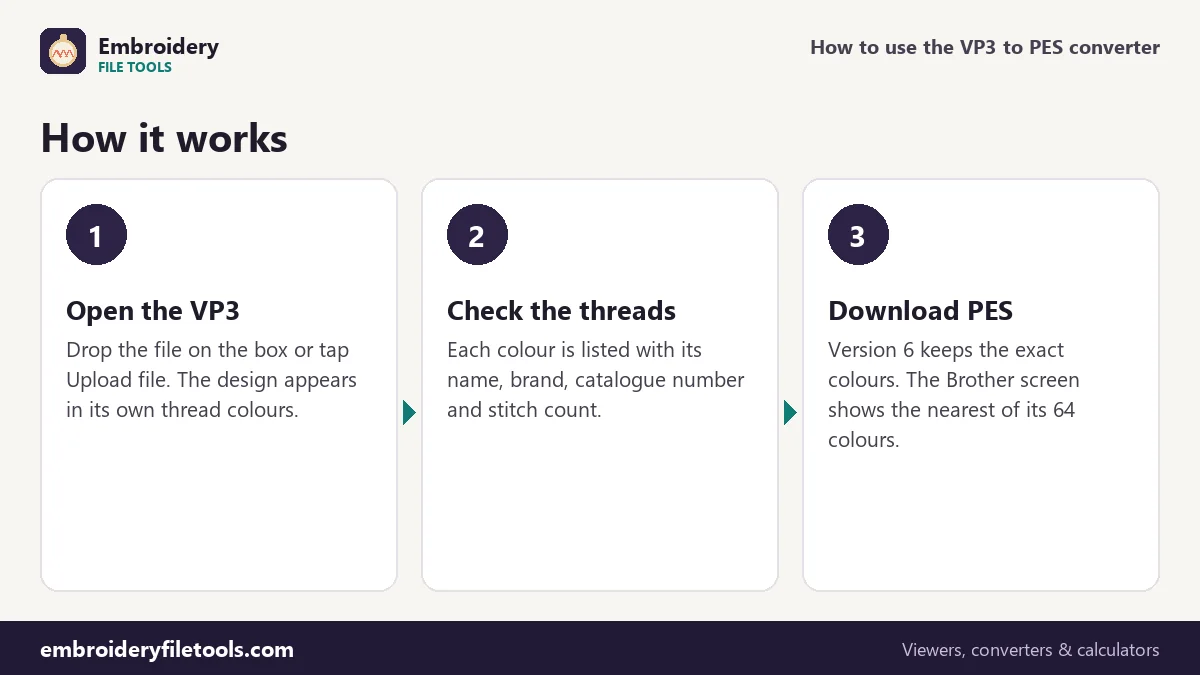
- Load the VP3. Drop the file on the upload box or anywhere on the page, or tap Upload file. Until you do, a butterfly marked Demo is shown. The box stays at the top, so the next file goes in the same way.
- Look it over. The stitches are drawn in their thread colours with a raised-thread look. Ctrl + scroll or a pinch zooms, dragging pans, and a double-click fits the design again. Below the picture you get the size, stitch count, colours, colour changes, trims and a sewing time estimate: about 12 minutes for the butterfly on a single-needle home machine.
- Save it as PES. Press Download PES. The new file is read back with the PES reader, and the message gives its size and stitch count. For the demo that is 34.1 KB and 5,259 stitches, matching the VP3.
The Same design as links under the box save the design in other formats, and PNG picture gives you an image to print or share.
What the PES keeps from the VP3
A VP3 starts with the text %vsm% and is built from nested blocks, each labelled with its length, with numbers written big-endian. Every thread has a block of its own holding its RGB colour, catalogue number, name, brand and weight. A PES opens with a PE-Design section that has a thread list of its own (RGB, brand and catalogue number in version 5 and later), followed by the PEC block that the machine actually sews. So nearly everything a VP3 knows about its threads has a matching place in the PES.
| Part of the design | In the VP3 | In the PES (version 6) |
|---|---|---|
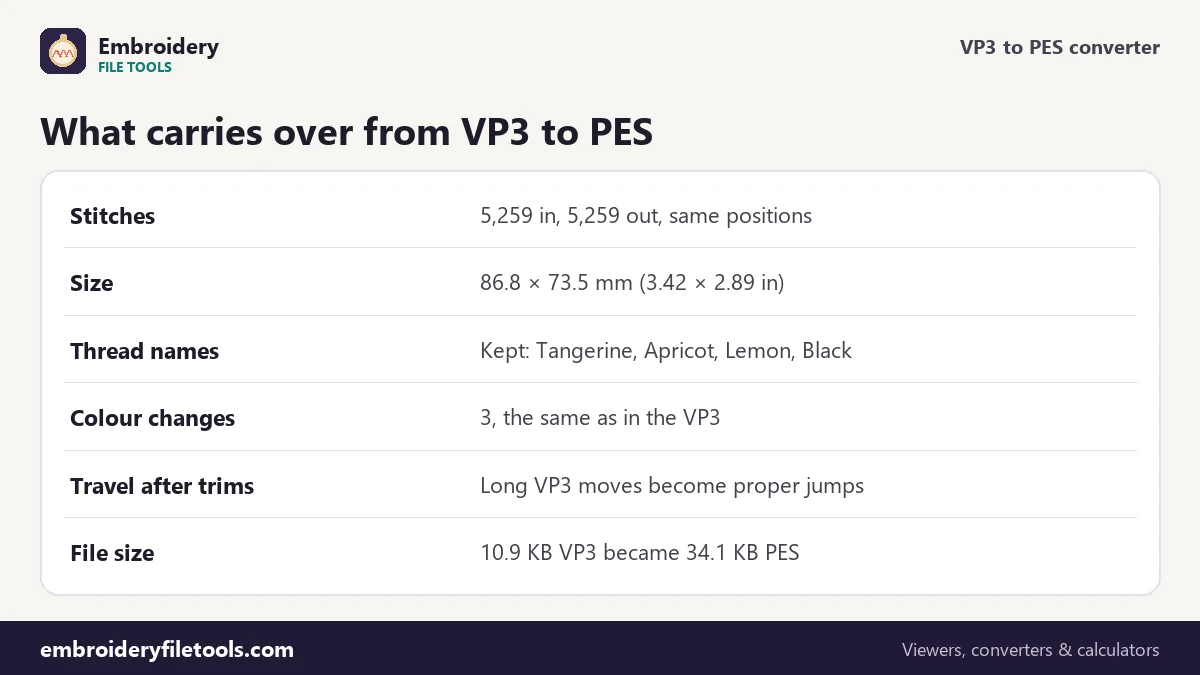
| Stitches | 5,259 | 5,259, same positions to 0.1 mm |
| Size | 86.8 × 73.5 mm | 86.8 × 73.5 mm (3.42 × 2.89 in) |
| Threads | 4 blocks with colour, name, brand and number | 4 entries in the PE-Design thread list |
| Colour changes | 3 | 3 |
| Trims | 19, each followed by one long move | Written as PES trims, with jumps for the travel |
| Machine screen colours | Not used | Nearest of Brother's 64 chart colours |
| File size | 10.9 KB | 34.1 KB |
The PES is about three times the size of the VP3, yet it sews exactly the same stitches. The extra kilobytes are packaging: the PE-Design section, the PEC block with its colour indexes, and the 48 × 38 pixel pictures that appear on the machine's screen.
Thread colours on the screen and in the software
The demo butterfly was digitized with four threads: Tangerine, Apricot, Lemon and Black. In the VP3 each one is stored with its exact colour and its name, and VP3 files from digitizing software usually add the thread brand and catalogue number as well. A version 6 PES keeps all of those fields, so PE-Design or any other program that opens the PES lists the same four threads.
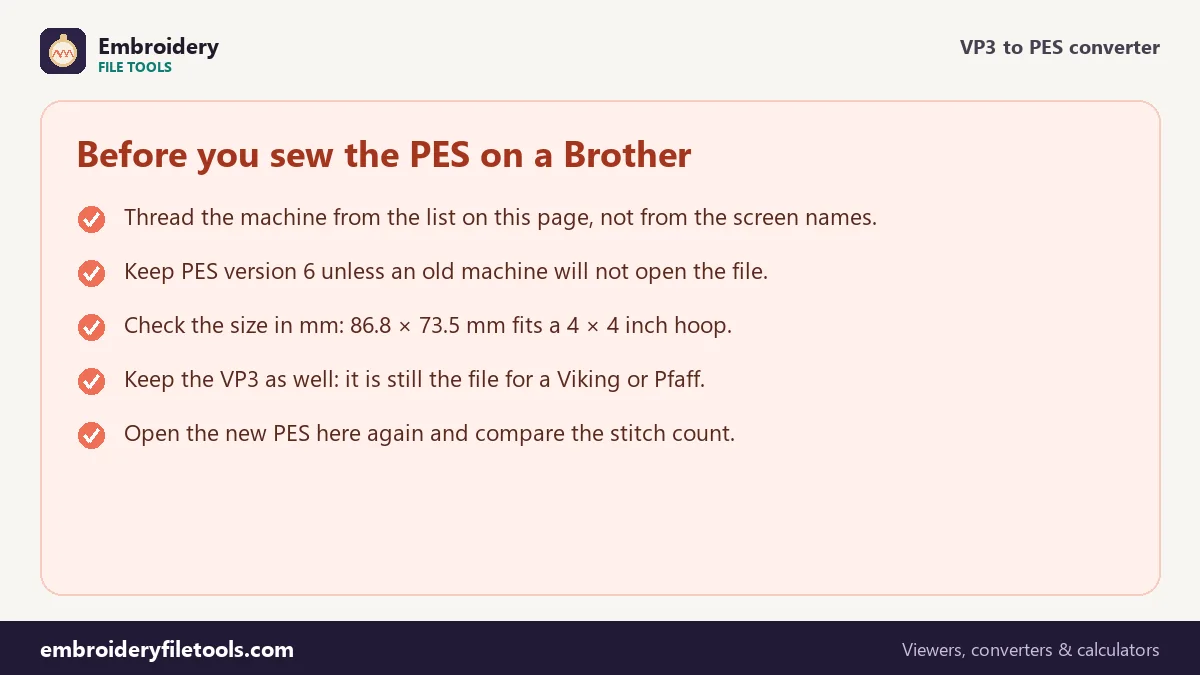
The machine works from the PEC block, and the PEC block has no room for a brand or an exact shade. Each thread there is an index into Brother's chart of 64 colours, and the machine shows the closest chart colour with its name. That name can be a different word from the thread you actually use. Treat the screen colour as a rough guide and thread the machine from the list you see on this page.
More options has a PES version select. Version 6 is the default and the one to keep. Version 1 is there for the oldest machines; it carries only the chart colours, so the thread names and exact shades are left out of the file.
Trims, long moves and where the jumps come from
VP3 has no jump command. When a VP3 design trims and travels to the next part, the travel is written as one long move; the long form can cover up to 3,200 units, which is 320 mm. PES does have jumps, and a single PES move can be at most 2,047 units, or 204.7 mm. While writing the PES, the converter turns each long VP3 travel into proper jumps and splits any that would be longer than the PES limit. The butterfly is only 86.8 mm wide, so none of the travels after its 19 trims comes anywhere near that limit.
The stitches themselves are not touched: nothing is added, removed or moved, so the density stays as the digitizer set it.
Before the first stitch-out
Open the new file in the PES viewer and compare it with the original in the VP3 viewer: same outline, same size, same stitch count. If the size is right there, it is right on the machine, because both formats store positions in 0.1 mm steps and nothing is scaled on the way.
At 86.8 × 73.5 mm the butterfly fits the 100 × 100 mm field of a 4" × 4" hoop. For your own designs the hoop size checker shows which hoops are large enough.
VP3 to PES: common questions
Are the thread colours kept when I convert VP3 to PES?
Yes, as long as you save PES version 6, the default. Colour, name, brand and catalogue number move from the VP3 thread blocks into the PES thread list. Only the machine screen shows a simpler version: the nearest of Brother's 64 colours.
Why does my Brother machine show a different colour name?
The machine reads the PEC part of the PES, which only knows Brother's own chart. It shows the chart colour closest to your thread. The stitches and the colour order are right; only the label differs.
Does it matter whether the VP3 came from a Viking or a Pfaff?
No. Husqvarna Viking and Pfaff share the VP3 format, so files from either brand open and convert the same way here.
Will the design shrink or get denser?
No. Every stitch is written at its original position to the nearest 0.1 mm, and nothing is added or taken away. Resizing a design with proper density changes needs digitizing software.
What if my machine will not open the PES?
Choose PES version 1 under More options and save again. That version is meant for the oldest machines. You lose the exact thread colours in the file, not any stitches.
Can I go the other way?
Yes. The PES to VP3 converter writes a VP3 from a Brother file and carries the thread names over.
More embroidery file tools
Updated November 2026 · How these tools work