DST to PES converter
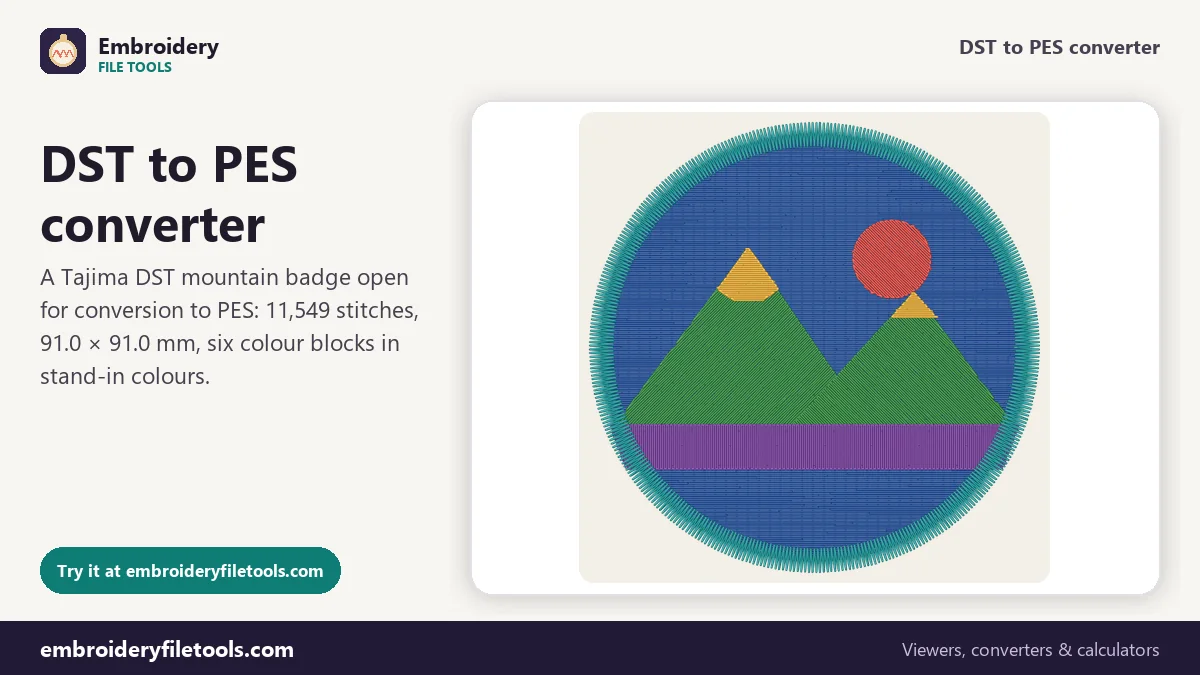
Turn a Tajima DST into a PES file for a Brother or Baby Lock machine. A DST carries no thread colours, so you set them on screen before the PES is written.
Same design as: · · ·
More options
DST is the file most digitizing services deliver, because nearly every commercial multi-needle machine reads it: Tajima, Ricoma, SWF, Happy, Barudan and many more. Brother and Baby Lock home machines, and the Brother-made Bernette Deco models, want PES. So a logo from a digitizer, or a file passed on by an embroidery shop, often has to become a PES before it can be sewn at home. The stitches carry over untouched. The colours are the part that needs you, because the DST has none to hand over.
How to convert DST to PES
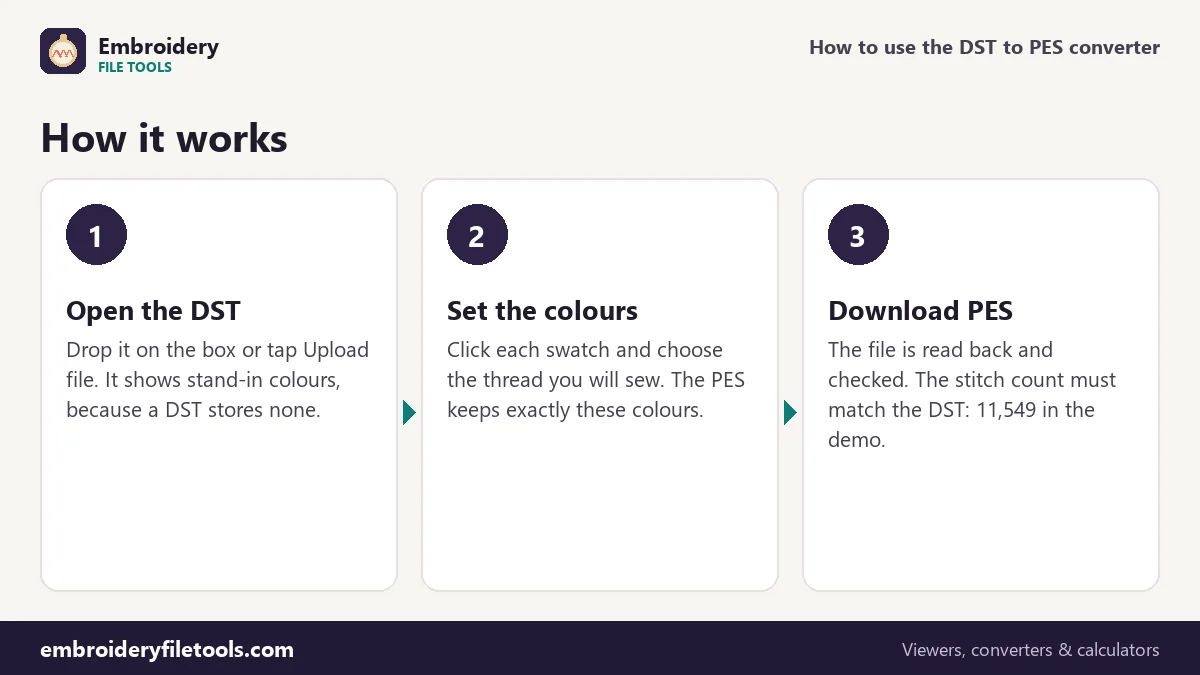
- Open the DST. Drag the file onto the upload box or tap Upload file; dropping it anywhere on the page works as well. The badge that opens with the page, marked Demo, is a DST, so you can try every step before you use your own file.
- Give each colour block a real thread. The thread list under the picture has one chip per block, with the number of stitches in it. Click a swatch and pick the colour you will actually sew. A note under the list says the DST colours are stand-ins and that your choices are kept in the PES.
- Download the PES. Press Download PES. The converter writes the file, opens it again with its PES reader and reports the result. For the demo it reads: "Saved badge.pes (71.6 KB). Checked: it opens again with 11,549 stitches, the same as the original."
The upload box stays at the top after a file opens, so the next DST can go straight in.
Choosing the thread colours
DST comes from the shop floor. On a multi-needle machine the threads are loaded before the job starts, so the file only has to say "stop, move to the next needle"; the operator decides which colour each needle carries. Any program that opens a DST has to make colours up, and the ones you first see here tell you nothing about the design.
A PES works the other way round. Its PE-Design part holds a thread list with an RGB colour for every block, and from version 5 on a brand and catalogue number as well. Whatever is on the swatches when you press download goes into that list. The demo badge was digitized in sky blue, sun yellow, slate grey, white, pine green and navy, yet nothing in the DST says so. If you have the digitizer's colour sheet or a photo of a sew-out, use it now.
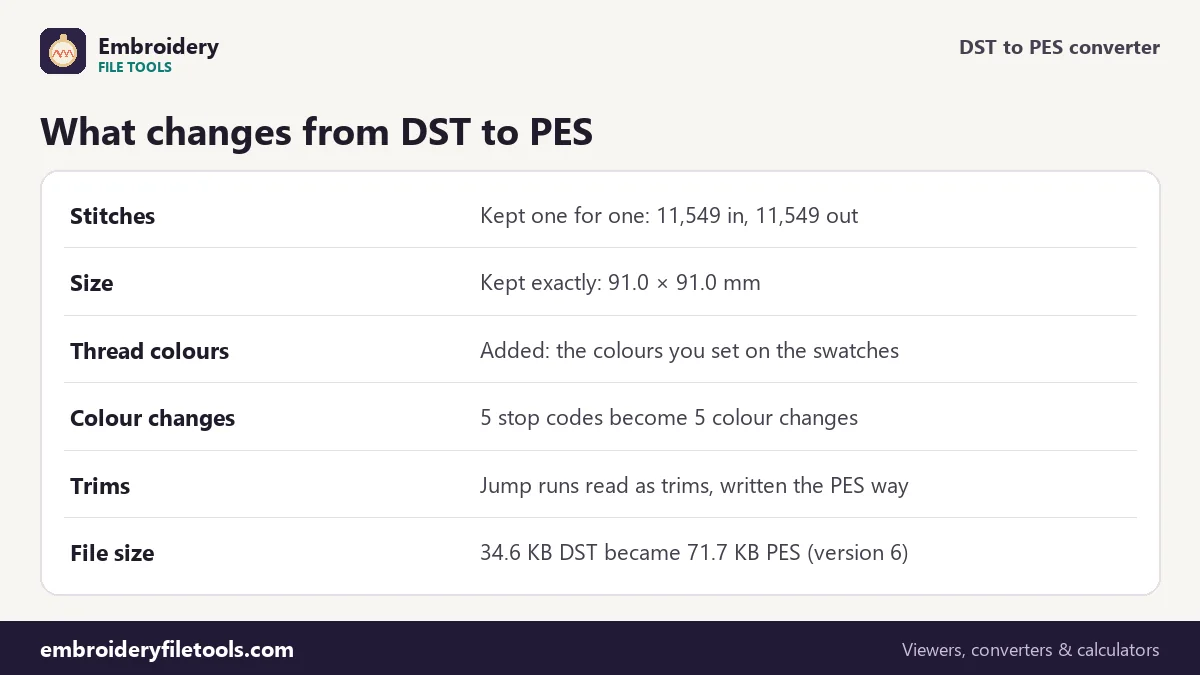
The demo badge, before and after
| Part of the design | In the DST | In the PES |
|---|---|---|
| Stitch positions | 11,549 stitches | 11,549 stitches, same positions to 0.1 mm |
| Design size | 91.0 × 91.0 mm (3.58 × 3.58 in) | 91.0 × 91.0 mm |
| Colour blocks | 6 blocks split by 5 stop codes | 6 colours, 5 colour changes |
| Thread colours | Not stored | The six colours you set, in the thread list |
| Machine screen | Nothing | Nearest Brother chart colours and 48 × 38 pixel previews |
| File size | 34.6 KB | 71.6 KB (version 6) |
The PES is about twice the size because it adds what a DST never had: the PE-Design part with the design name and thread list, and the PEC block with the small monochrome pictures the machine shows on its screen. The stitches themselves are the same.
PES version 6 or version 1
More options has a PES version select. Version 6, the default, starts with #PES0060 and keeps your exact colours for PE-Design and other software. Version 1, #PES0001, is there for the oldest machines; it holds only the colours of Brother's chart. The stitching is identical in both.
The machine itself never uses the RGB values. It reads a colour index from the PEC block and shows the nearest colour from Brother's 64-colour thread chart. On another of our demo designs, a flower, Forest Green, Rose Pink, Deep Magenta, Sunflower and Cocoa appeared on the machine screen as Moss Green, Deep Rose, Dark Fuchsia, Harvest Gold and Pewter. Treat the names on the screen as a guide and thread up from your own list.
Stops, jumps and trims
A DST record moves at most 121 units, 12.1 mm, on each axis, so a long travel across the badge is stored as a chain of short jumps. DST has no trim code either: the digitizing software writes a short run of three jumps, which Tajima-compatible machines treat as a cut. The converter recognises those runs as trims, nine in the demo, and writes them the way PES expects. The five stop codes become five colour changes, and the sewing order does not move.
The line under the picture estimates about 22 minutes on a single-needle home machine, counting 700 stitches a minute, 60 seconds for each colour change and 6 seconds for each trim. Switch the machine type to multi-needle under More options and the same badge comes to about 13 minutes. At home, five of those 22 minutes are the time allowed for rethreading.
Size, hoop and a second look
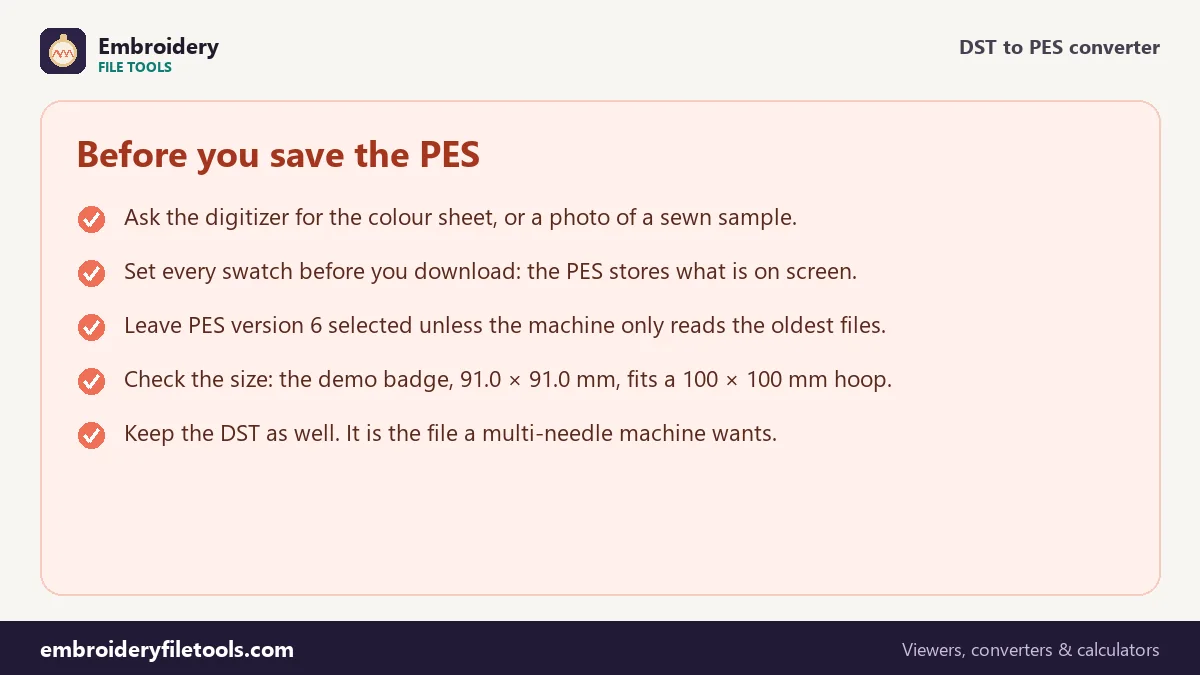
DST and PES both store positions in 0.1 mm steps, so nothing is rescaled or rounded. The badge stays 91.0 × 91.0 mm and fits a 4" × 4" (100 × 100 mm) hoop with a little room to spare. For a larger design, the hoop size checker shows which hoops it fits. To look at a DST without converting it, open it in the DST viewer.
DST to PES: common questions
Why is my converted PES in the wrong colours?
The DST had no colours to pass on, so the PES got the stand-ins that were on screen. Open the DST again, set each swatch to the right thread and download a new PES.
Will my Brother machine show the exact colours I picked?
Close to them. The machine shows the nearest colour from its 64-colour chart. PE-Design and other software that read a version 6 PES show your exact colours.
Does the conversion change the stitches or the density?
No. Every stitch keeps its position to 0.1 mm and the count stays the same, 11,549 for the demo. Changing density or size properly needs digitizing software.
Which PES version should I pick?
Keep version 6 unless your machine or software is very old and refuses the file. Version 1 sews the same but keeps only Brother chart colours.
Can I turn the PES back into a DST later?
Yes, with the PES to DST converter. The colours are dropped again, because DST has nowhere to store them.
Does it work for Baby Lock machines?
Baby Lock embroidery machines use PES as well, so the same file works. Check that the design fits your hoop first.
More embroidery file tools
Updated November 2026 · How these tools work