JEF to PES converter
Turn a Janome or Elna JEF design into a PES file for a Brother or Baby Lock machine. Every stitch stays where it was, and the Janome thread list comes along.
Same design as: · · ·
More options
Moving from a Janome to a Brother does not have to leave your design collection behind. Janome and Elna machines, and some Kenmore models, use JEF files; Brother, Baby Lock and the Brother-made Bernette Deco models use PES. Both formats store stitch positions in the same 0.1 mm steps, so the stitching converts exactly. The part worth a closer look is colour, because the two brands describe thread in very different ways.
How to convert JEF to PES
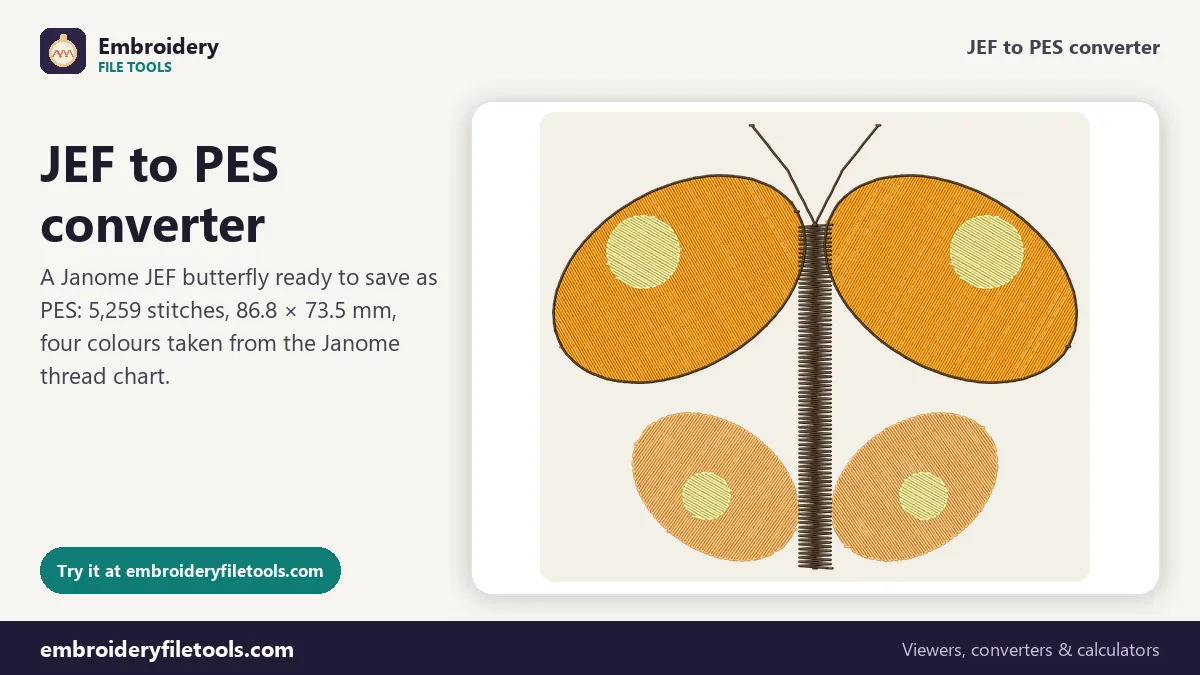
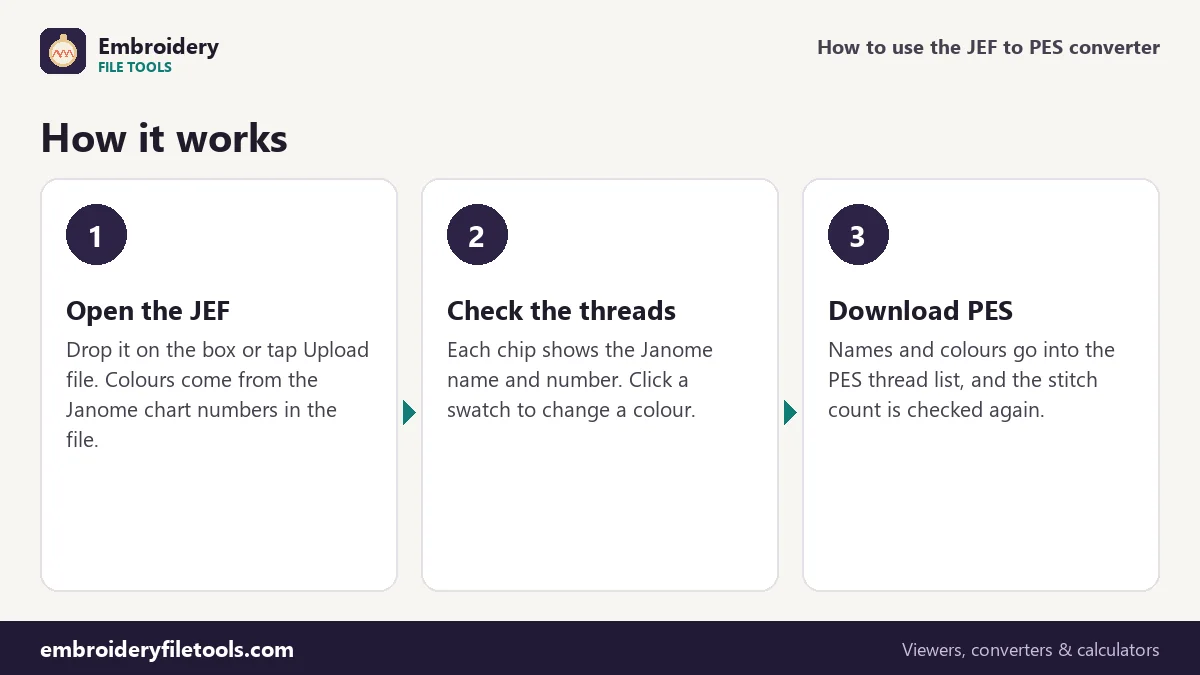
- Open the JEF. Drag it onto the upload box, drop it anywhere on the page, or tap Upload file. A butterfly marked Demo is already open when the page loads; it is a JEF, so you can try the whole process with it.
- Read the thread list. Under the picture you get the size, stitch count, colours, colour changes, trims and an estimate of the sewing time. Below that, each colour has a chip with its swatch, Janome name, chart number and stitch count. If a colour is wrong, click the swatch and change it.
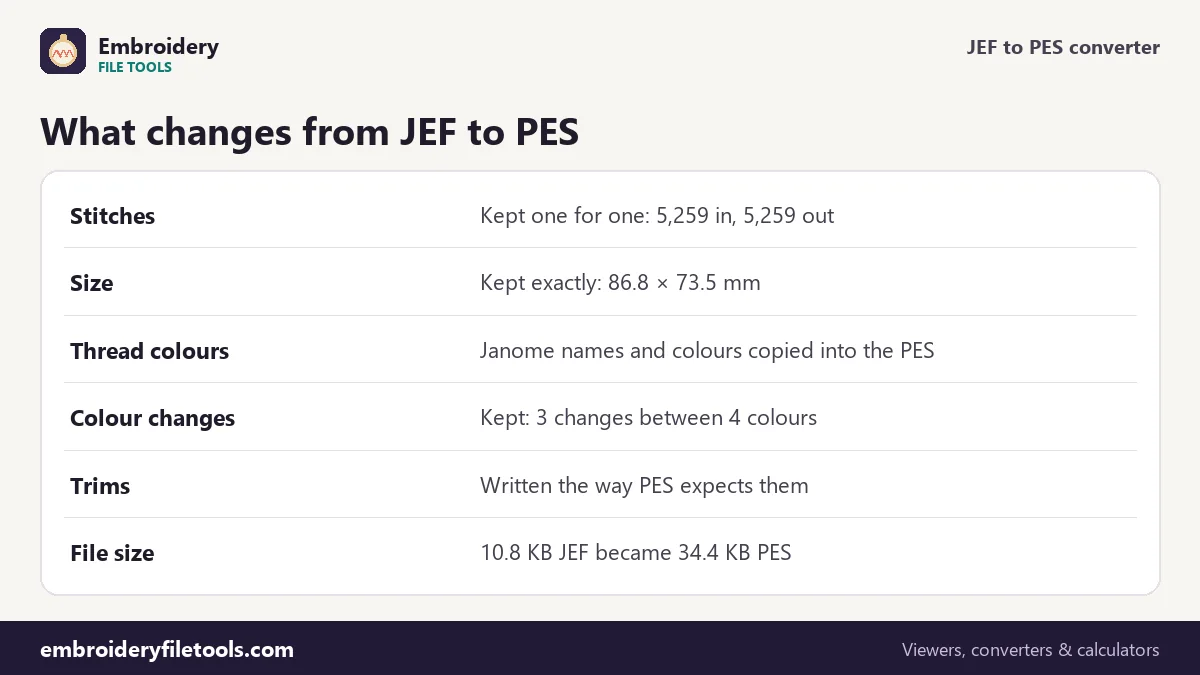
- Download the PES. Press Download PES. The file is written, opened again by the PES reader and compared. With the demo you see: "Saved butterfly.pes (34.4 KB). Checked: it opens again with 5,259 stitches, the same as the original."
Under the box, Same design as also offers DST, EXP and VP3, plus a PNG picture. If the PES is going to a friend with a Brother machine, send the picture with it so they can see the intended colours.
Janome chart numbers become PES colours
A JEF has no RGB values at all. Each colour block is just a number from Janome's thread chart, which has about 78 colours, and any program that opens the file looks the number up to know what to draw. A version 6 PES stores more: an RGB colour, a thread name, a brand and a catalogue number for every block. The converter looks up each Janome number and writes the colour and name into the PES thread list.
| Part of the design | In the JEF | In the PES |
|---|---|---|
| Stitch positions | 5,259 stitches | 5,259 stitches, same positions to 0.1 mm |
| Design size | 86.8 × 73.5 mm (3.42 × 2.89 in) | 86.8 × 73.5 mm |
| Colour 1 | Honey Dew 273 | Honey Dew 273, #ff9805 |
| Colour 2 | Tangerine 274 | Tangerine 274, #fcb257 |
| Colour 3 | Pale Yellow 210 | Pale Yellow 210, #fcf294 |
| Colour 4 | Dark Sepia 260 | Dark Sepia 260, #33200a |
| File size | 10.8 KB | 34.4 KB |
The PES is more than three times the size because it carries a PE-Design part with the thread list and design name, plus a PEC block with 48 × 38 pixel pictures for the machine screen. A JEF is little more than a short header and two bytes per stitch.
Why the names do not match the original threads
The butterfly was first digitized in tangerine, apricot, lemon and black. When it was saved as a JEF, each colour snapped to the nearest Janome chart colour, and the names shifted along the way. The tangerine thread became Janome Honey Dew, the apricot became Janome Tangerine, lemon became Pale Yellow and black became Dark Sepia. So the thread called Tangerine in the JEF is really the apricot colour. That happened when the JEF was made; the PES simply inherits it.
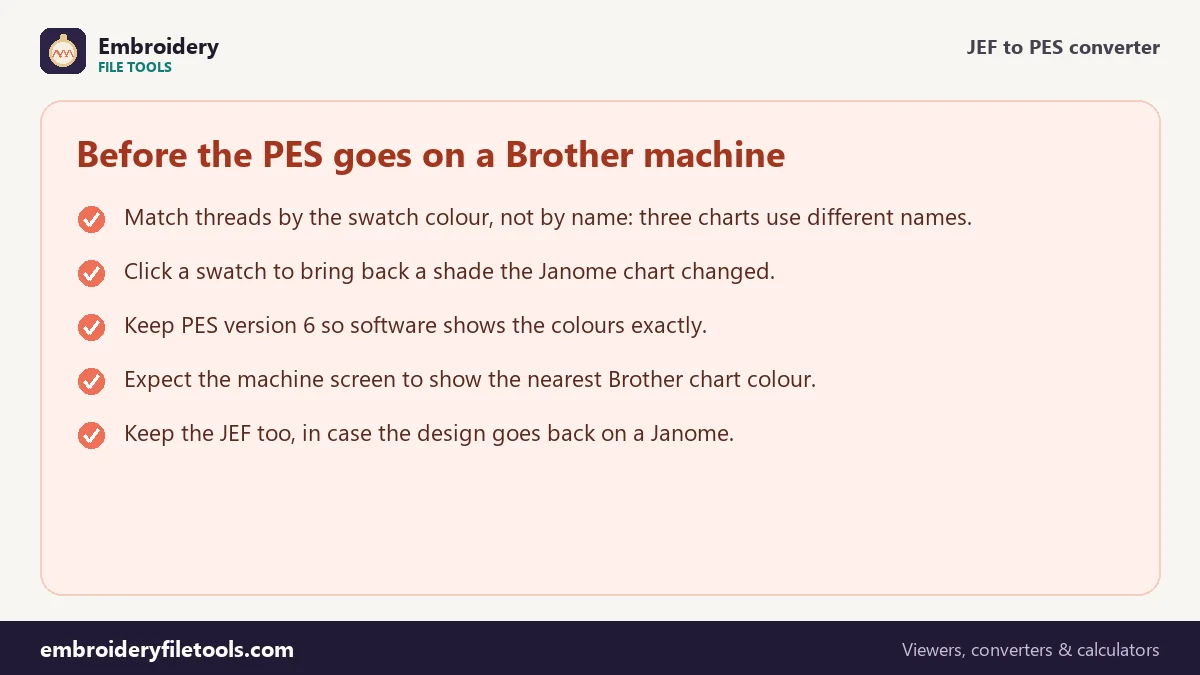
On the Brother side a third chart joins in. The machine reads the colour index in the PEC block and shows the nearest of its own 64 thread colours, under Brother's names. One block can therefore carry a plain colour name in the digitizer's notes, a Janome name in the PES thread list and a Brother name on the machine screen. Pick the actual spool by eye, from the swatch or a sewn sample.
Trims and travel moves
JEF moves are short: two bytes per stitch, at most 127 units (12.7 mm) per move, with 0x80 control codes for colour changes, jumps and the end of the design. A trim can be left to the jumps, which Janome machines read as a cut. The converter counts 18 trims in the demo and writes them the way PES expects. PEC long moves reach 2,047 units, or 204.7 mm, so no move from a JEF needs splitting.
The sewing estimate under the picture is about 12 minutes on a single-needle home machine. Of that, three minutes are allowed for the three colour changes and almost two for the 18 trims, at 60 and 6 seconds each.
Choosing the PES version
More options holds a PES version select. Version 6 is the default and keeps the exact colours and names for PE-Design and similar software. Version 1 is for the oldest machines; it keeps only Brother chart colours, so the Janome names are lost. The stitching is identical either way.
To check the result, open the new file in the PES viewer. You should see the same butterfly, 86.8 × 73.5 mm and 5,259 stitches, with the four Janome names in the thread list. If the shape is right, the file is ready for the machine.
At 86.8 × 73.5 mm the butterfly fits a 4" × 4" hoop. For your own designs, the hoop size checker lists the hoops a design fits, and the JEF viewer lets you browse JEF files before you convert anything.
JEF to PES: common questions
Will my Brother machine show Honey Dew and Tangerine?
No. The machine shows the nearest colours from Brother's own chart, with Brother names. The Janome names sit in the PES thread list, where software such as PE-Design reads them.
Why is the PES three times bigger than the JEF?
PES adds a software section with the thread list and a machine section with screen pictures. The stitches inside are the same 5,259.
Do I lose any stitches or quality?
No. The converter does not add, remove or move stitches, so density and stitch length stay exactly as the digitizer made them.
Can I change the colours before saving?
Yes. Click any swatch in the thread list and choose a new colour. The PES keeps what you set.
Will Baby Lock or Bernette Deco machines read the file?
Baby Lock and the Brother-made Bernette Deco models use PES too, so the same file works. Check the hoop size first.
Can I convert the PES back to JEF?
Yes, with the PES to JEF converter. Any colour you changed snaps to the nearest Janome chart colour again.
More embroidery file tools
Updated November 2026 · How these tools work