PES to JEF converter
Turn a Brother PES design into a JEF file for a Janome or Elna machine. The stitches stay exact; the thread colours move to the nearest Janome chart colours.
Same design as: · · ·
More options
Janome and Elna machines, and some Kenmore models, read JEF files. A lot of designs, though, are sold and shared as PES, the Brother format, because Brother and Baby Lock machines are so widespread. Converting PES to JEF keeps every stitch exactly where the digitizer placed it. Two things do change, and both deserve a look before you sew: the thread colours have to fit Janome's chart, and the JEF header gets a hoop code.
How to convert PES to JEF
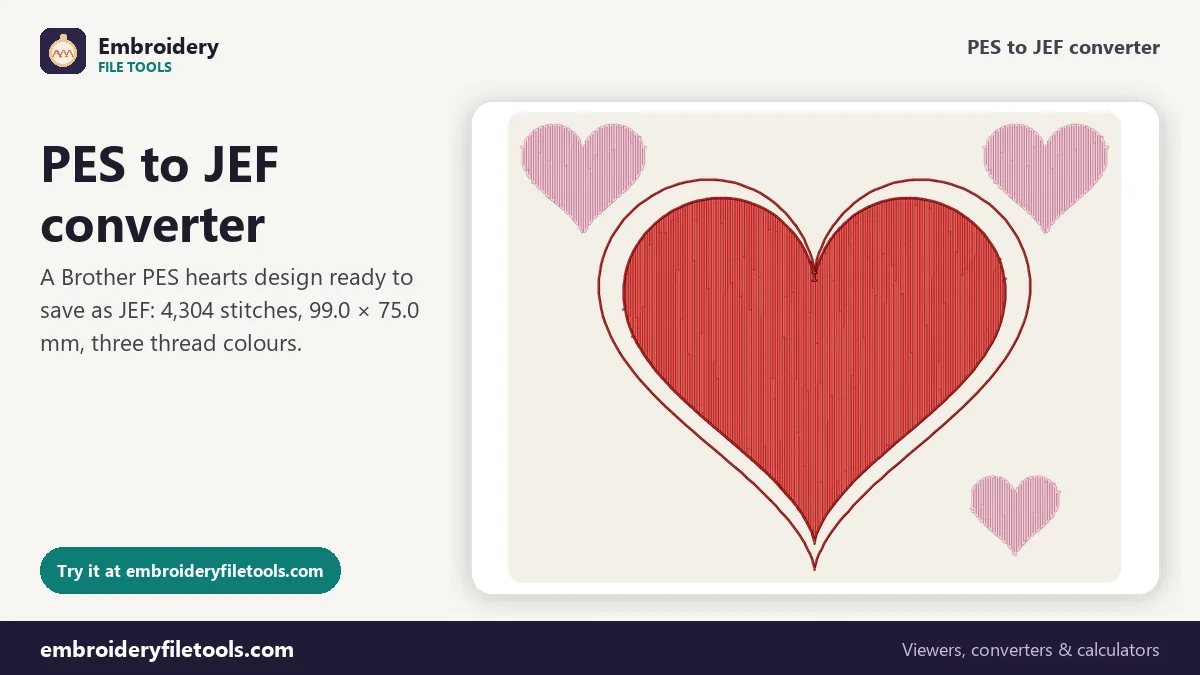
- Open the PES. Drag the file onto the upload box, drop it anywhere on the page or tap Upload file. Old and new PES versions both open. The demo that loads with the page is a PES: one big heart and three small ones, each with a double outline.
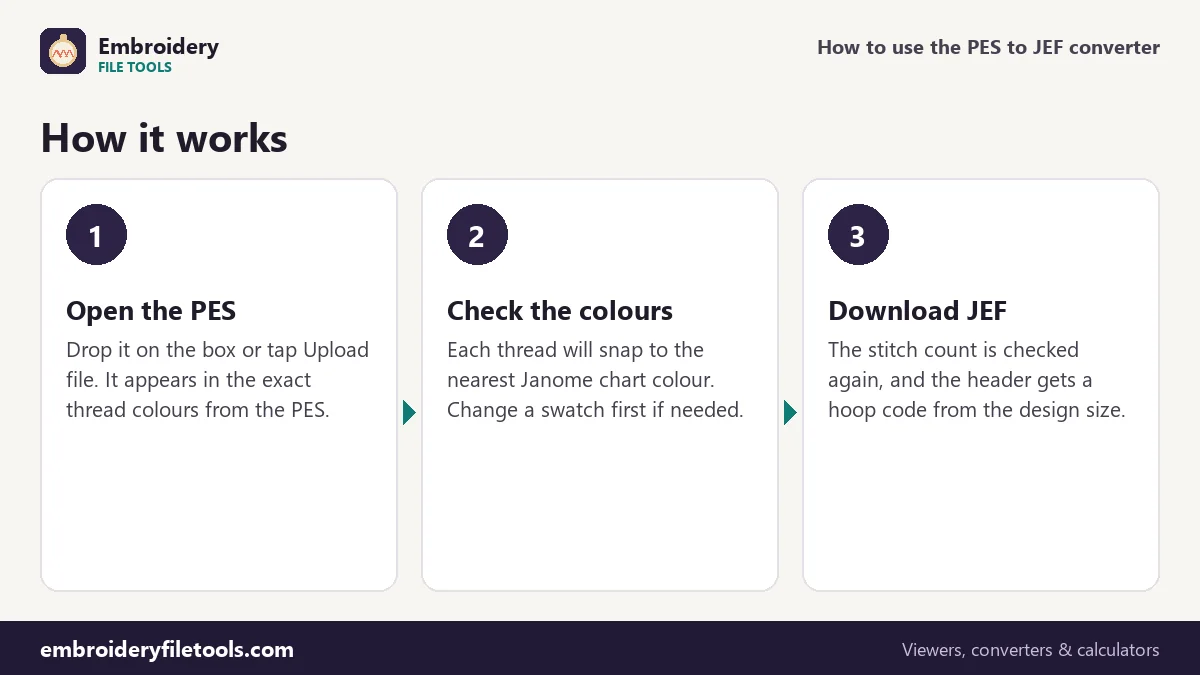
- Look at the colours. The thread list shows the colours stored in the PES. A JEF cannot keep them as they are, so each will become the nearest Janome chart colour. If you want a thread to land somewhere else on the chart, click its swatch and change it now.
- Download the JEF. Press Download JEF. The converter writes the file, reads it back and confirms the count. With the demo: "Saved hearts.jef (8.7 KB). Checked: it opens again with 4,304 stitches, the same as the original."
To see the Janome names the JEF ended up with, open it in the JEF viewer. The links under the box also save the same design as DST, EXP or VP3, or as a PNG picture. The picture is worth keeping next to the JEF: it shows the colours as they were in the PES, before the Janome chart changed them.
How the thread colours change
A version 6 PES stores each thread as an exact RGB colour, often with a brand and catalogue number. A JEF has no room for that. It stores a number from Janome's thread chart, which has about 78 colours, and every program that opens the file draws the chart colour for that number. So the converter picks, for each thread, the chart colour that looks closest. This is what happened to the demo hearts:
| Thread in the PES | Nearest Janome colour | Chart number |
|---|---|---|
| Cherry Red #e53935 | Burnt Orange #e3311f | 235 |
| Blush #f8bbd0 | Orchid Pink #e1add4 | 240 |
| Wine #8e0000 | Cardinal Red #b10525 | 244 |
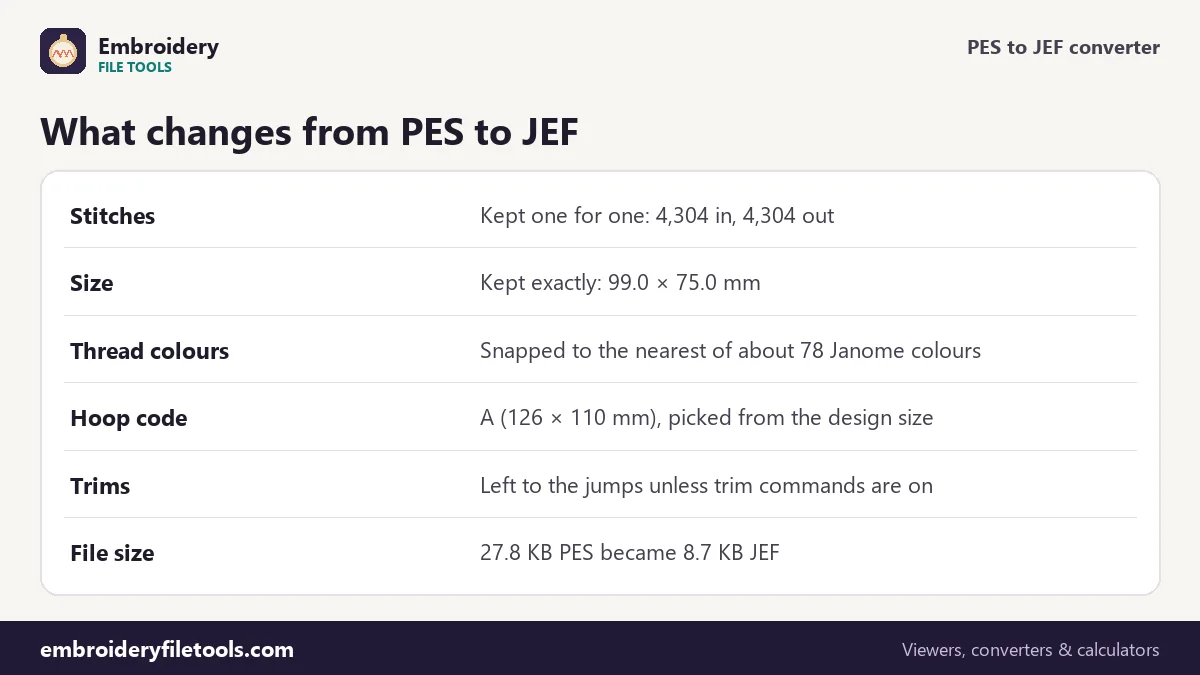
The rest of the design carries over unchanged: 4,304 stitches in and 4,304 out, 99.0 × 75.0 mm (3.90 × 2.95 in) in both files, and the same two colour changes in the same places.
A red called Burnt Orange
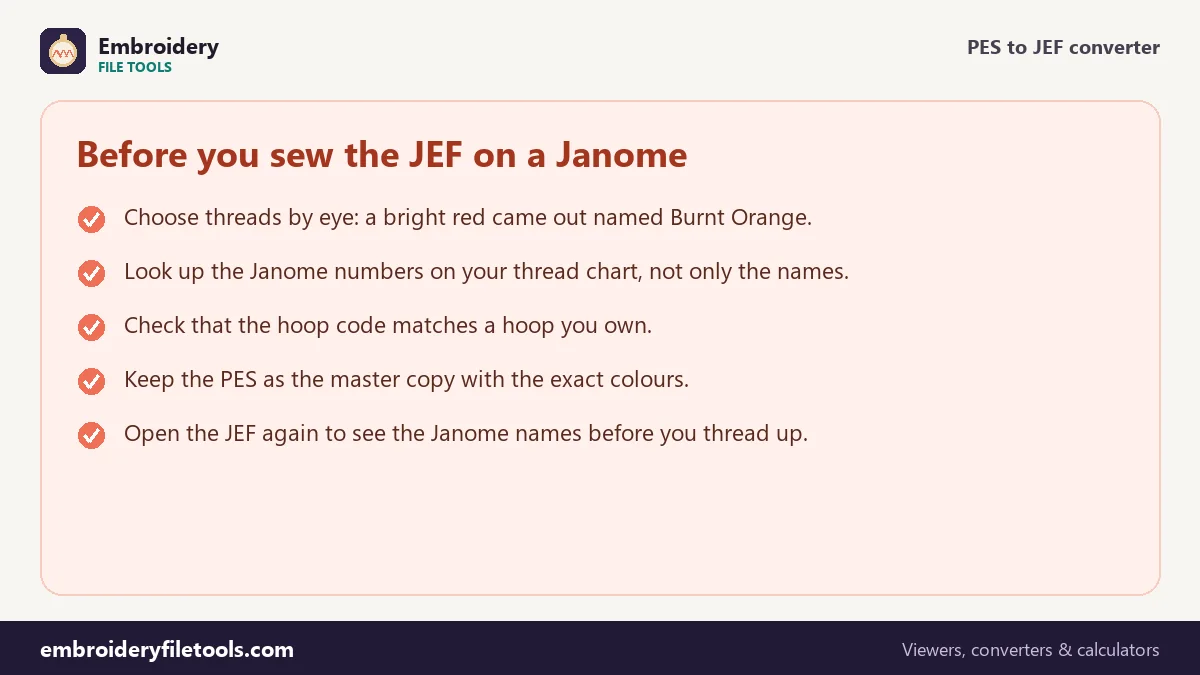
Look at the first row again. The nearest Janome colour to Cherry Red is #e3311f, which on screen is almost the same bright red. Its name on the chart, though, is Burnt Orange. Anyone who orders thread by name from that list would buy the wrong spool. The other two rows shift a little too: Orchid Pink leans more towards lilac than the soft Blush, and Cardinal Red is clearly brighter than the deep Wine.
So treat the names on screen as labels, not descriptions. Compare the swatches, find the chart number on your own Janome thread card and choose each spool by eye.
The hoop code in the JEF header
Besides a 14-digit date, the colour count, the stitch count and the extents, a JEF header holds a hoop code. The converter picks one from the design size: A for 126 × 110 mm, B for 50 × 50 mm, C for 140 × 200 mm, SQ for 200 × 200 mm, or a default of 110 × 110 mm. The demo hearts are under 126 × 110 mm, so their JEF gets code A. Before you sew, make sure you own a hoop that fits the design; the hoop size checker lists the options for any size.
The code does not scale anything. A design that is too big for your largest hoop has to be resized in digitizing software, which recalculates the fill, rather than squeezed by a converter.
Long moves and trims
A JEF stores two bytes per stitch and moves at most 127 units, 12.7 mm, at a time, with 0x80 control codes for colour changes, jumps and the end. A PES can travel up to 204.7 mm in one long move, so any travel longer than 12.7 mm is split into several jumps. The stitches themselves do not move.
The demo has 6 trims. By default they are not written as trim commands; Janome machines read the jumps instead. If you want explicit commands, switch on JEF: write trims as trim commands under More options.
A smaller file with the same stitching
The demo shrinks from 27.8 KB to 8.7 KB. Nothing that matters for sewing is lost. The JEF simply has no PE-Design section, no thread names or RGB values and no screen pictures, and two bytes per stitch is very compact. The sewing estimate stays at about 9 minutes on a single-needle home machine, with two colour changes and five trims included.
One more setting is useful here. More options lets you change the fabric colour behind the design, and pale threads such as Blush or Orchid Pink are much easier to judge against the fabric you will actually use.
PES to JEF: common questions
Why does my JEF show different colour names?
A JEF can only store Janome chart numbers, so each PES colour becomes the nearest chart colour, with Janome's name. Names can be misleading: in the demo, a bright red becomes Burnt Orange.
Will the stitches or the size change?
No. Positions are kept to 0.1 mm, the unit both formats use. The demo has 4,304 stitches and measures 99.0 × 75.0 mm before and after.
Why is the JEF so much smaller than the PES?
PES carries a software section, a thread list and screen pictures. JEF holds a short header and two bytes per stitch.
What does the hoop code do?
It records a hoop size that the design fits, chosen from the design's width and height. The demo gets code A, 126 × 110 mm.
Should I switch on trim commands?
Leave it off unless you have a reason. Janome machines read the jumps as trims, which is why the option is off by default.
Can I convert the JEF back to PES?
Yes, with the JEF to PES converter. The colours come back as the Janome chart colours, not the original PES ones, so keep your PES.
More embroidery file tools
Updated November 2026 · How these tools work