HUS to PES converter
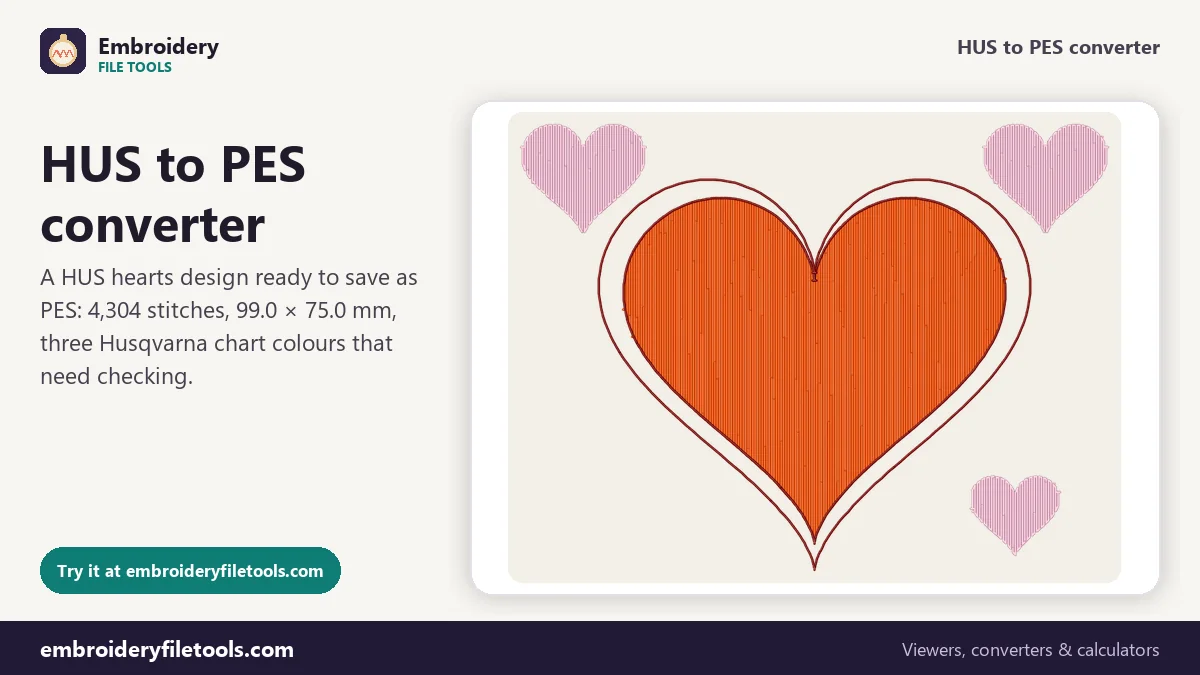
Open an older Husqvarna Viking HUS design and save it as a Brother PES. Check the colours first: a HUS file can only use 29 of them.
Same design as: · · · ·
More options
HUS is the older Husqvarna Viking format, from the machines of the Designer I era. If you have designs from that time on an old disc, card or computer and now sew on a Brother, a Baby Lock or one of the Bernette Deco models Brother makes, each HUS has to become a PES. This converter reads the HUS, shows you the design and writes a PES with the same stitches. The part that needs your attention is colour, because a HUS file could only store a choice from a small chart.
How to convert HUS to PES
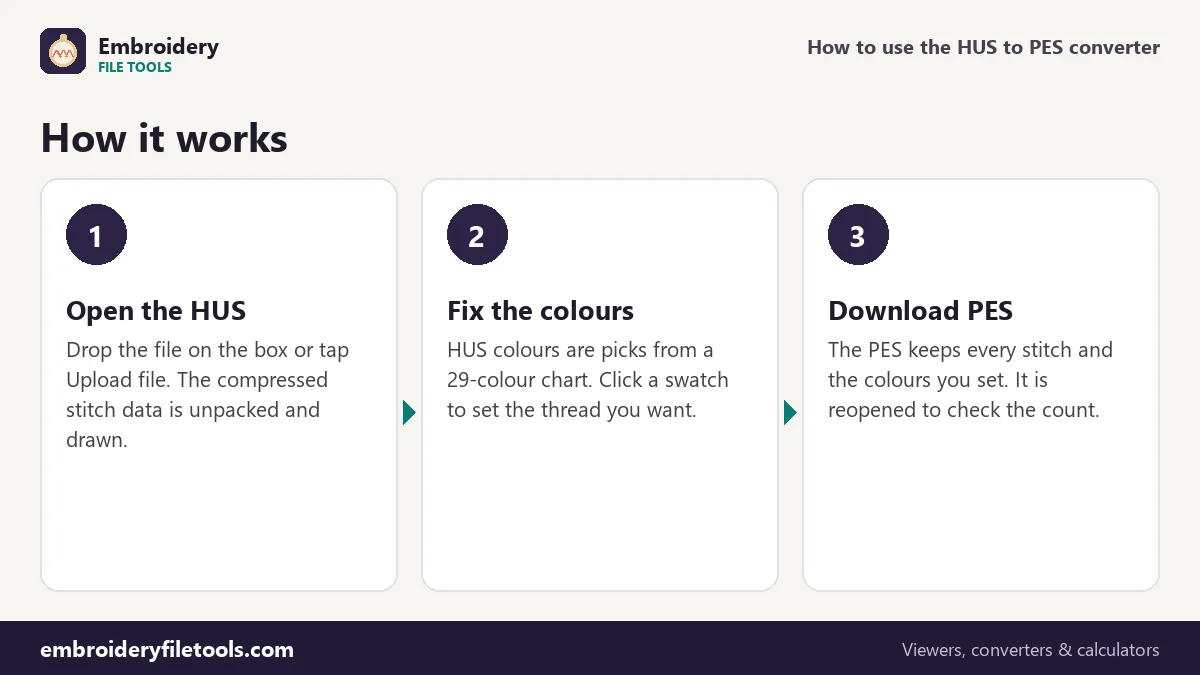
- Open the HUS. Drop the file on the box, anywhere on the page, or tap Upload file. Before you do, a set of hearts marked Demo is shown: one big heart, three small ones and a double outline.
- Check the design and its colours. Under the picture you see the size, stitch count, colours, colour changes, trims and sewing time; the hearts need about 9 minutes on a home machine. The thread list shows each colour with its Husqvarna chart name and number. Click a swatch to replace a colour that looks wrong.
- Download the PES. Press Download PES. The file is written, opened again with the PES reader and checked: for the demo the message gives 27.9 KB and 4,304 stitches, the same as the HUS.
The design can be zoomed with Ctrl + scroll or a pinch and moved by dragging; a double-click fits it back into view.
Inside a HUS file, and what the PES gets
A HUS file begins with a header that gives the stitch count, the colour count, the design extents and the offsets of three compressed streams: one for commands, one for X moves and one for Y moves. To read the design, the converter unpacks all three and puts the stitches back together in sewing order. Colours are not stored as real colour values. Each one is a number pointing into Husqvarna's chart of 29 colours: Black, Blue, Green, Red, Purple, Yellow, Grey, Light Blue and so on, down to Dark Orange and Light Orange.
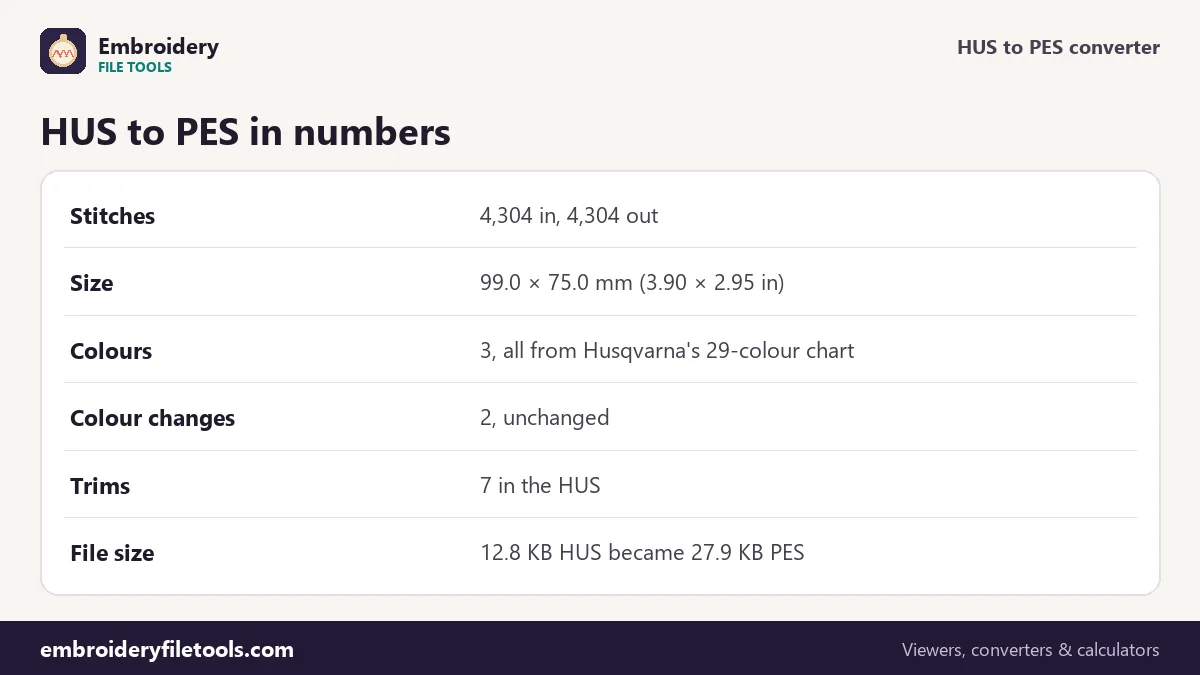
| Part of the design | In the HUS | In the PES |
|---|---|---|
| Stitches | 4,304 | 4,304, same positions to 0.1 mm |
| Size | 99.0 × 75.0 mm | 99.0 × 75.0 mm (3.90 × 2.95 in) |
| Colours | 3 chart numbers: 016, 012, 013 | 3 threads with the colours you set |
| Colour changes | 2 | 2 |
| Trims | 7 | Written as PES trims |
| How it is stored | Header plus three compressed streams | PE-Design section plus PEC block |
| File size | 12.8 KB | 27.9 KB |
The HUS is small because its streams are compressed. The PES comes out a little over twice the size, as it carries a PE-Design section and thread list, the PEC block the machine sews and the pictures for the machine screen.
Why the reds turn orange
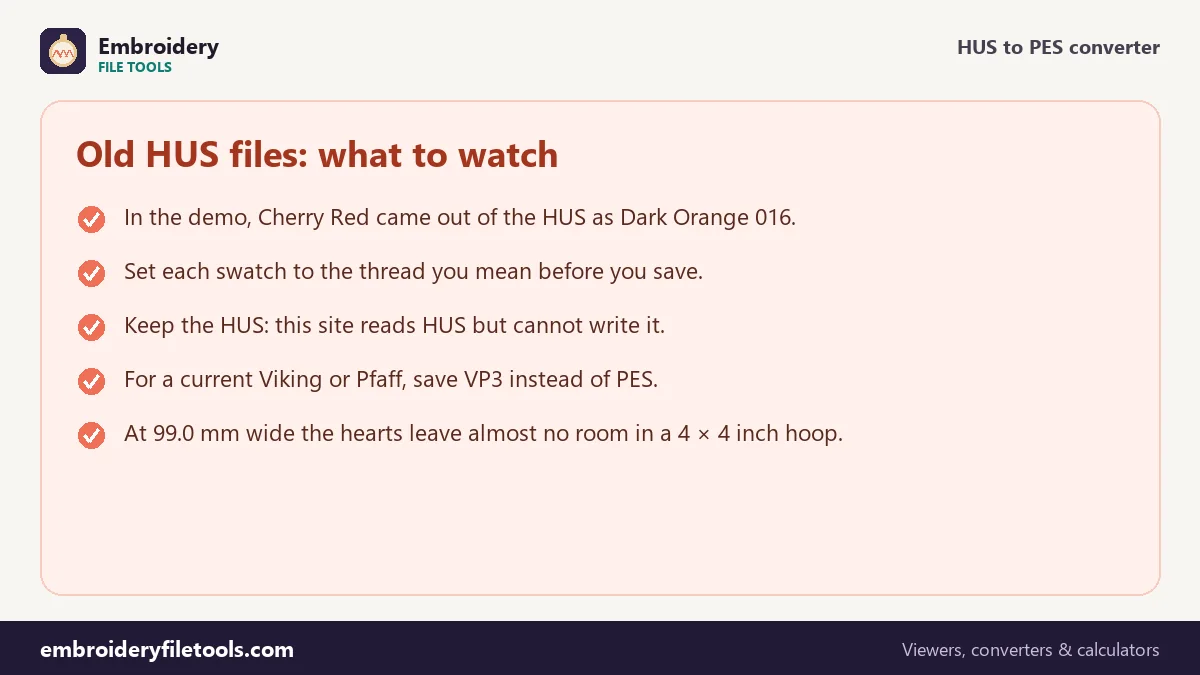
The hearts were digitized with three threads: Cherry Red, Blush and Wine. Saving them as HUS forced each one onto the nearest of the 29 chart colours. Measured in the demo file, Cherry Red became Dark Orange 016 (#ff5208), Blush became Light Pink 012 (#ffc6de) and Wine became Dark Red 013 (#7b0000). The pink and the dark red are near enough. The main red is not: Cherry Red is #e53935, and the chart's closest match is clearly orange.
The converter cannot know what the digitizer had in mind, so it shows the chart colours the file actually contains. That is your cue to fix them. Click the Dark Orange swatch and set a true red, then check the other two. The colours on the swatches when you press Download PES are the ones written into the PES.
In a version 6 PES, the default, those colours are stored exactly. The Brother machine screen shows the nearest of its own 64 chart colours, so the name it displays may differ from your thread. Version 1, under More options, is meant for the oldest machines and keeps only those chart colours.
Saving for other machines
This site reads HUS but does not write it, so there is no way back to HUS from here. Keep the original file if you still have an older Viking that uses it.
To sew the same design on a current Husqvarna Viking or Pfaff, do not save a PES at all: use the VP3 option under Same design as, below the upload box. The colour fixes you made on the swatches apply there too. The same links offer other formats, and PNG picture saves an image you can print as a colour guide. Newer Viking and Pfaff files that are already VP3 go through the VP3 to PES converter, which keeps their thread names.
Checking the fit and the result
At 99.0 × 75.0 mm, the hearts are only 1 mm narrower than the 100 × 100 mm field of a 4" × 4" hoop. Hoop the fabric straight and centre the design carefully, or use the next hoop up. The hoop size checker lists the hoops a design fits.
Open the finished file in the PES viewer to see it as saved: your corrected colours, the same outline and 4,304 stitches.
HUS to PES: common questions
Why do the colours in my HUS file look wrong?
HUS stores colours as numbers in Husqvarna's 29-colour chart, so every thread was rounded to one of those 29. Reds in particular can come out orange. Set the swatches to the real threads before saving.
Will the stitches change when the HUS is unpacked?
No. The compressed streams are unpacked exactly, and every stitch is written to the PES at the same position to 0.1 mm. The demo has 4,304 stitches before and after.
Are the trims kept?
Yes. The trims in the HUS command stream are written as PES trims, and the colour changes stay in the same order.
Can I convert a PES back to HUS?
Not on this site. HUS can be read here but not written. For current Husqvarna Viking and Pfaff machines, VP3 is the format to save.
Which PES version should I pick?
Keep version 6, the default, so your corrected colours are stored exactly. Use version 1 only if a very old machine will not open the file.
Does the design get bigger or smaller?
No. HUS and PES both store positions in 0.1 mm steps, and nothing is scaled. The hearts stay 99.0 × 75.0 mm.
More embroidery file tools
Updated November 2026 · How these tools work