JEF to DST converter
Turn a Janome or Elna JEF design into a Tajima DST for a shop's multi-needle machine. The stitches carry over exactly; the Janome thread list does not, so keep a copy of it.
Same design as: · · ·
More options
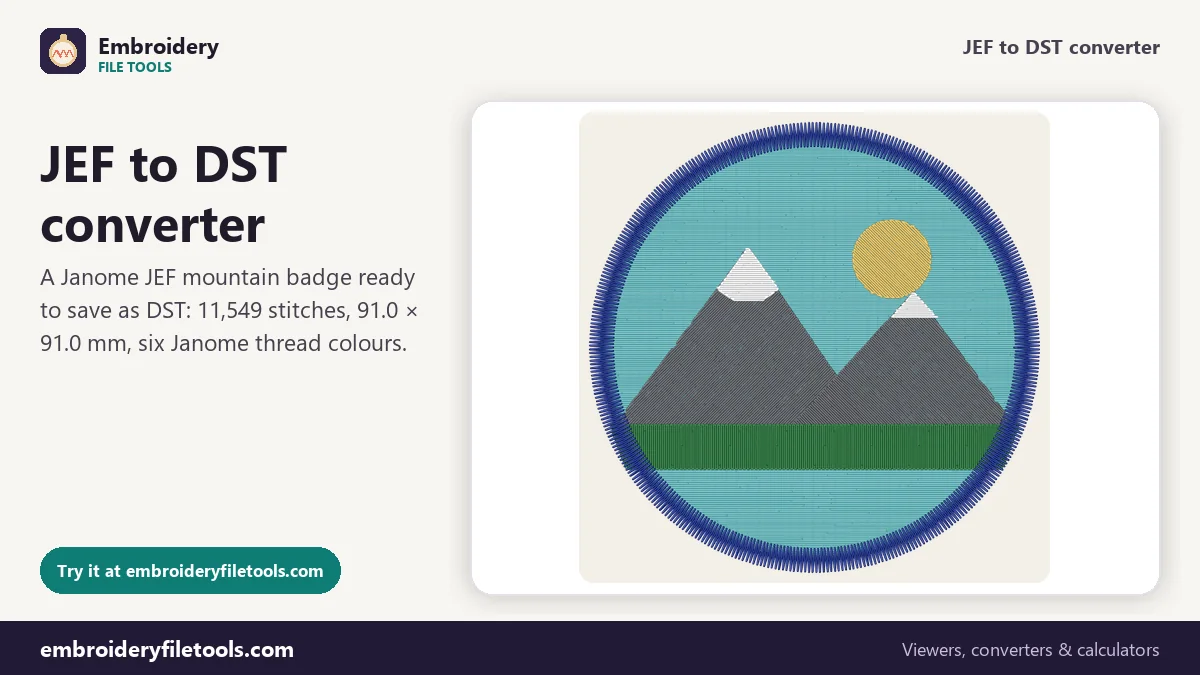
A design that sews well on a Janome at home sometimes has to go further: onto caps, onto a batch of club shirts, or to a local shop with a multi-needle machine. Those machines, made by Tajima, Ricoma, SWF, Happy, Barudan and others, nearly all read DST. Janome and Elna machines, and some Kenmore models, save JEF. Converting JEF to DST keeps every stitch and every colour change. What it cannot keep is the Janome thread list, so this page also covers how to send the colours along with the file.
How to convert JEF to DST
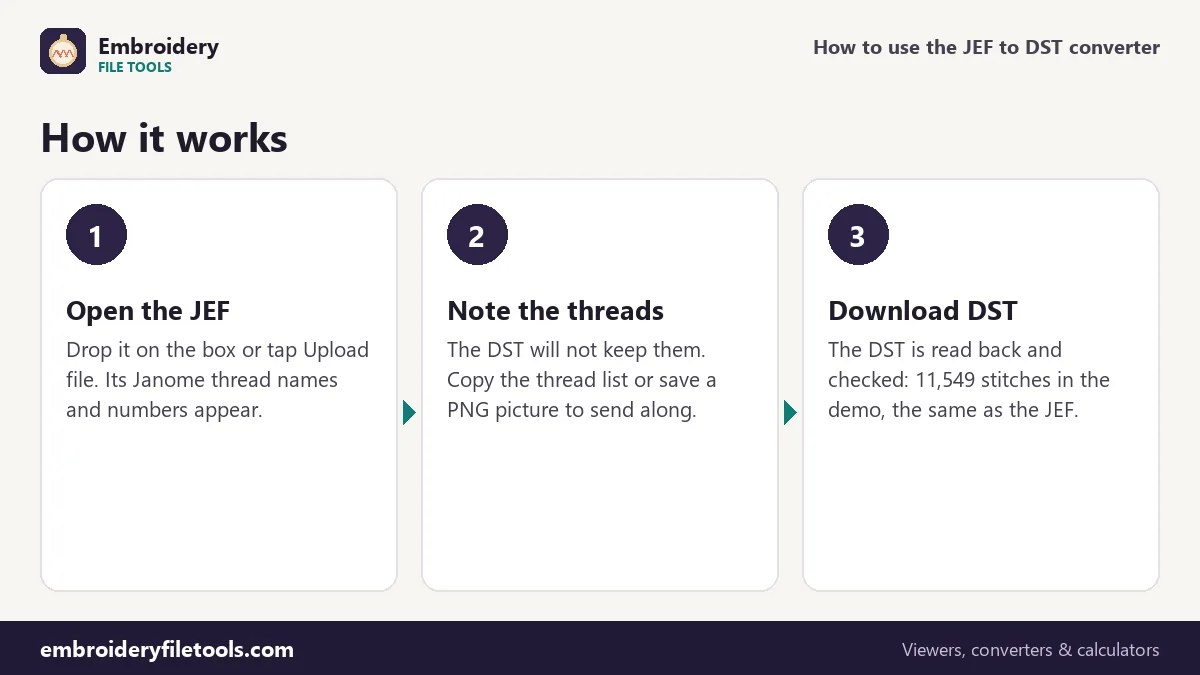
- Open the JEF. Drag it onto the upload box, drop it anywhere on the page or tap Upload file. The round mountain badge marked Demo is a JEF with six colours, so you can follow along before you use your own design.
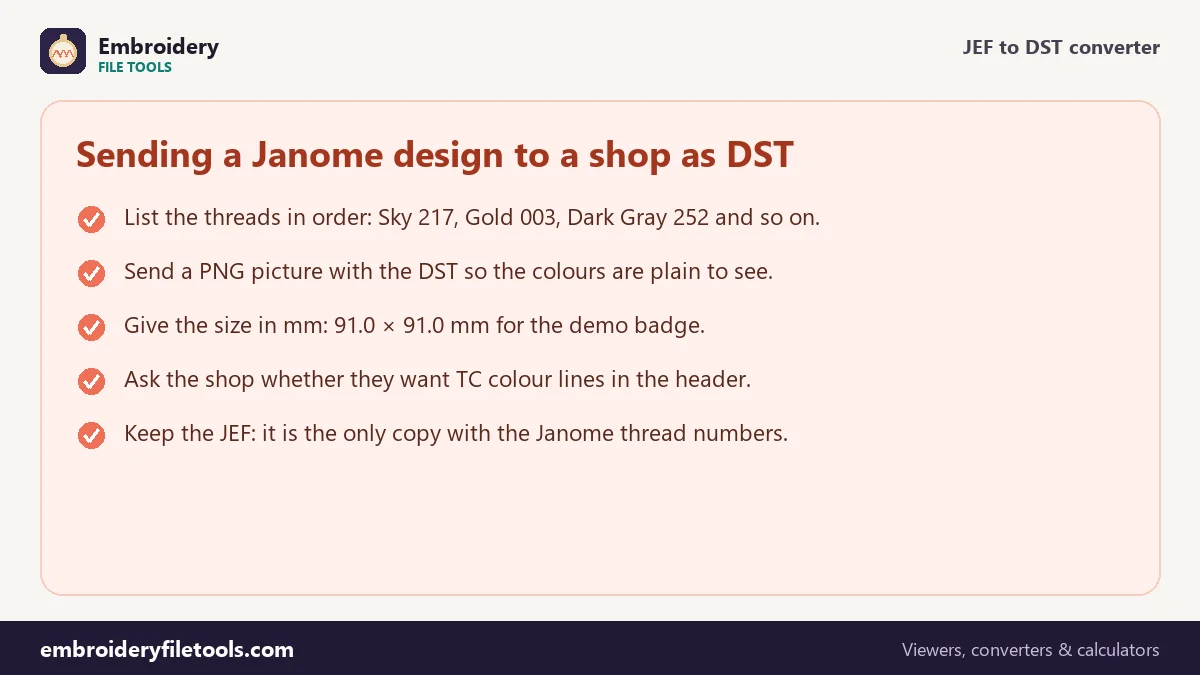
- Copy the thread list. Each chip shows a swatch, the Janome name and number, and how many stitches that colour sews. For the demo they read Sky 217, Gold 003, Dark Gray 252, White 001, Green 226 and Blue Ink 262. Write them down, or use the PNG picture link under the box.
- Download the DST. Press Download DST. The file is written, read back with the DST reader and compared: "Saved badge.dst (34.6 KB). Checked: it opens again with 11,549 stitches, the same as the original."
The upload box stays at the top, so the next JEF can go straight in. Same design as under the box also saves PES, EXP or VP3 if the shop asks for another format.
The demo badge in both formats
| Part of the design | In the JEF | In the DST |
|---|---|---|
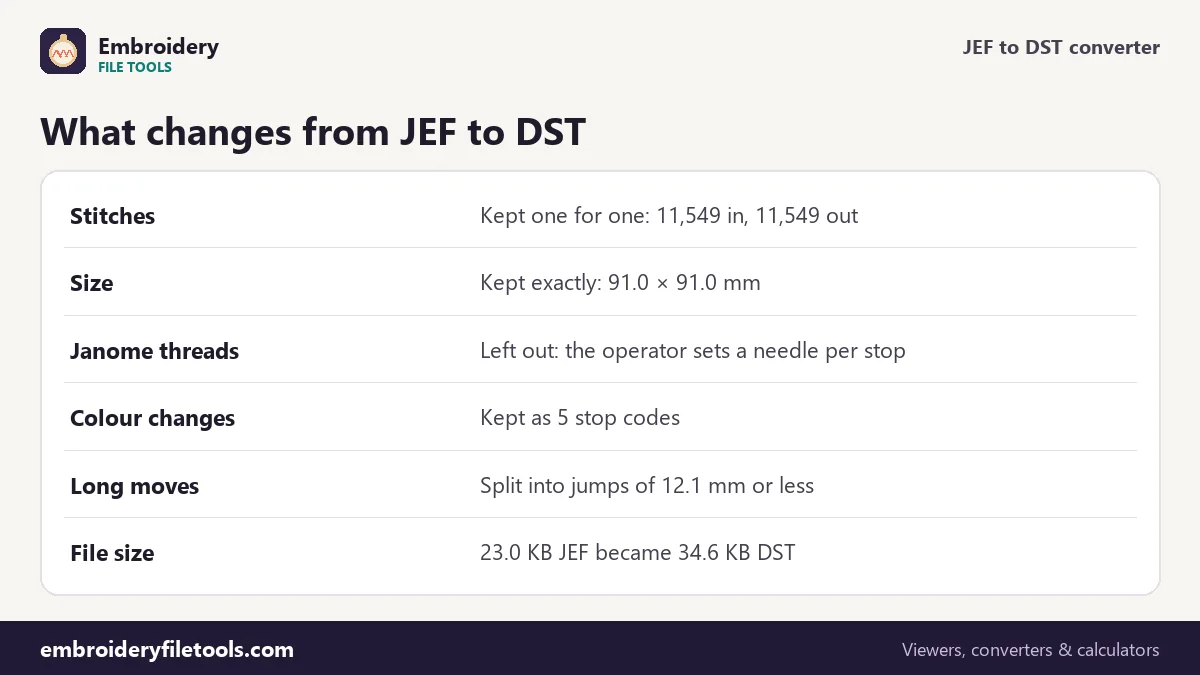
| Stitch positions | 11,549 stitches | 11,549 stitches, same positions to 0.1 mm |
| Design size | 91.0 × 91.0 mm (3.58 × 3.58 in) | 91.0 × 91.0 mm |
| Colour changes | 5, between 6 Janome threads | 5 stop codes |
| Thread list | Sky 217, Gold 003, Dark Gray 252, White 001, Green 226, Blue Ink 262 | Not stored, unless you add TC lines |
| Trims | 8 | Each written as a run of three short jumps |
| File size | 23.0 KB | 34.6 KB |
Why the DST is the bigger file
A PES shrinks when it becomes a DST, because its thread list and screen pictures are left out. From JEF it goes the other way: 23.0 KB becomes 34.6 KB. A JEF packs a stitch into two bytes. A DST uses three bytes for every record and starts with a 512-byte text header that lists the label (LA), the stitch count (ST), the colour count (CO) and the extents of the design in each direction (+X, −X, +Y, −Y). Nothing extra is stitched; the same moves are simply packed less tightly.
Sending the colours with the file
A multi-needle machine has its threads loaded before the design starts. The DST marks where to stop and change needle, and the operator decides which colour each needle carries. So the six Janome numbers are left out, and any viewer, including our DST viewer, shows the DST in stand-in colours.
There are three ways to pass the colours on. Copy the thread list into your email. Attach the PNG picture, which shows the design in its real colours. Or switch on DST: write the thread colours into the header (TC lines) under More options. Not every program reads TC lines, so treat them as an extra rather than the only record. A shop may not stock Janome thread at all, which is another reason the picture helps: they can match by eye from their own range.
Trims and long moves
A JEF move can be up to 127 units, 12.7 mm. A DST record moves at most 121 units, 12.1 mm, on each axis. Any move longer than that is split into several jumps that fit, so the needle ends up in exactly the same place. Stitch positions do not change.
The converter counts 8 trims in the demo JEF. DST has no trim code, so each one is written as the usual short run of three jumps, which Tajima-compatible machines read as a cut.
A last look before it leaves
Open the finished DST once more, here or in the DST viewer. The shape, the size of 91.0 × 91.0 mm and the 11,549 stitches should match the JEF exactly; only the colours will look different, because they are stand-ins now. Neither format rescales anything, so an unexpected size means the JEF itself was made that size. The badge fits a 4" × 4" (100 × 100 mm) hoop, which is worth telling the shop as well.
Sewing time on a multi-needle machine
On a single-needle home machine the badge takes about 22 minutes by the estimate under the picture: roughly 16 and a half minutes of stitching at 700 stitches a minute, five minutes for the colour changes at 60 seconds each and under a minute for the trims. Set the machine type to multi-needle under More options, and the same design comes to about 13 minutes at 1,000 stitches a minute, with 5 seconds per colour change and 4 per trim. The colour changes almost disappear, because the threads are already on their needles.
If the shop charges by the stitch or by machine time, the embroidery pricing calculator turns those numbers into a price per piece.
JEF to DST: common questions
Why does the DST show different colours from my JEF?
A DST stores no colours, so programs show it in stand-ins. The real threads are set on the machine. Send the thread list or a PNG picture with the file.
Are any stitches lost in the conversion?
No. All 11,549 stitches of the demo come through at the same positions, to 0.1 mm. Only long moves are split into shorter jumps.
Why is the DST bigger than the JEF?
DST spends three bytes on each record against two in a JEF, and adds a 512-byte header.
Can I keep the Janome colours inside the DST?
Partly. The TC lines option writes the colours into the DST header. Some programs read them; do not rely on them alone.
Will the shop's machine cut the threads?
Trims are written as runs of three jumps, the usual DST way, which Tajima-compatible machines read as trims.
Can I convert a DST back to JEF?
Yes, with the DST to JEF converter. You set the colours again there, and each becomes the nearest Janome chart colour.
More embroidery file tools
Updated November 2026 · How these tools work