DST file viewer
Open a Tajima DST file and see the design with its real size, stitch count, colour stops and sewing time. Pick the thread colours yourself, because DST has none.
Save as: · · · · · · ·
More options
DST is the file format of Tajima, the Japanese maker of industrial embroidery machines, and it became the common language of commercial embroidery. Ricoma, SWF, Happy, Barudan, ZSK and most other multi-needle machines read it, digitizers deliver it by default, and many home machines accept it too. What it does not do is open on a normal computer: Windows and macOS have no program for .dst files. This DST viewer opens them in a second, draws the design, and lists everything the file can tell you.
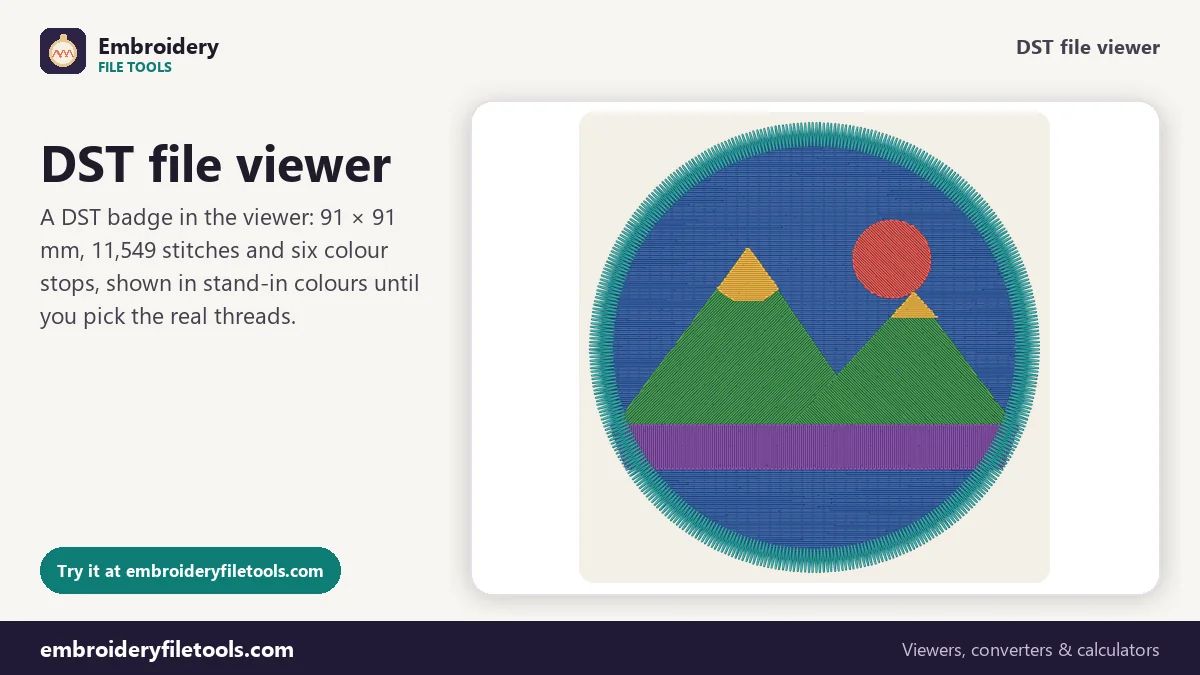
How to open a DST file
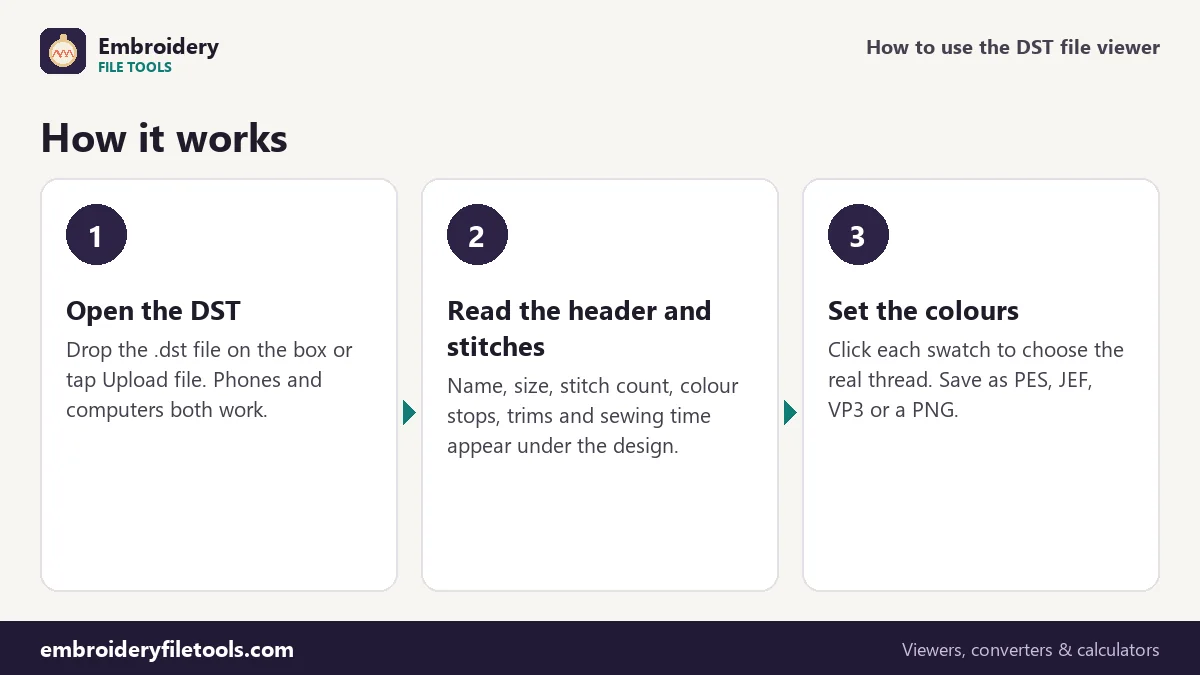
- Open it. Drag the .dst file onto the box at the top or tap Upload file. You can also drop it anywhere on the page.
- Look at the design. The stitches are drawn in colour, one colour per block between stops. Zoom with the + and − buttons, by pinching, or with Ctrl and the scroll wheel; drag to move.
- Read the facts. Size in millimetres and inches, stitches, colours, colour changes, trims and the estimated sewing time are shown under the design.
- Set the thread colours. Click a swatch in the thread list to give that block its real colour.
What is inside a DST file
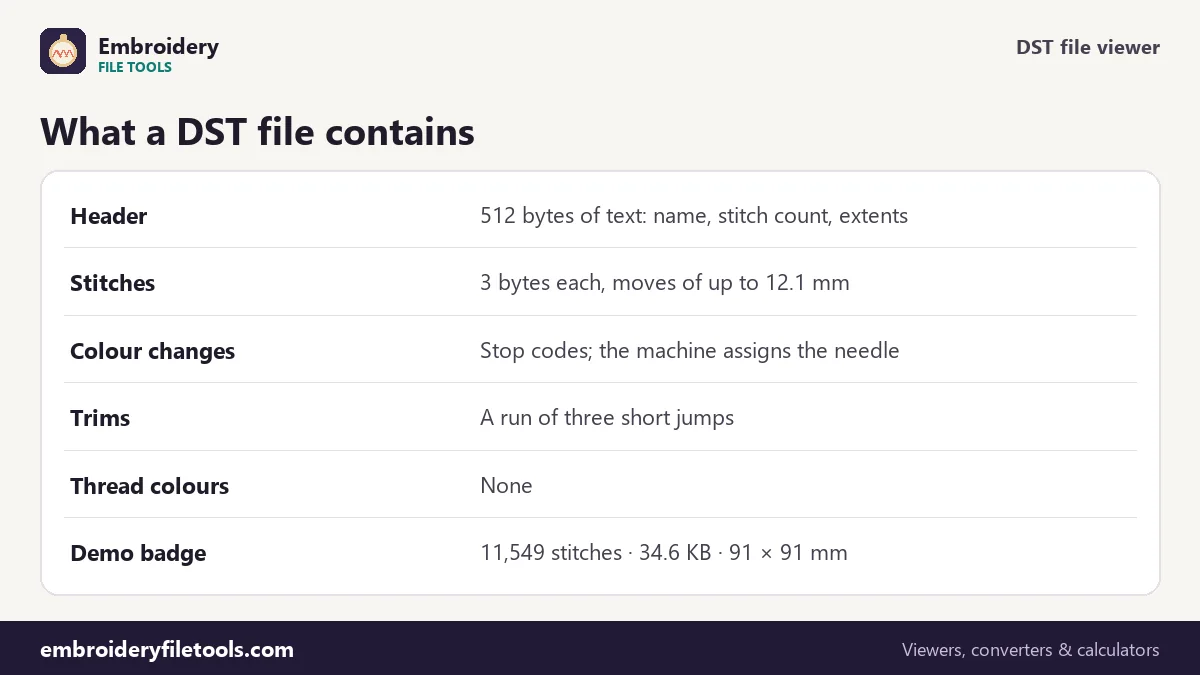
A DST file starts with a 512-byte header written as plain text. It holds a short label (the design name, up to 16 characters), the stitch count, the number of colour changes, and the distance from the design's starting point to its left, right, top and bottom edges. The demo file's label reads "Mountain badge", and the viewer shows it as the design name when you save.
After the header come the stitch records, three bytes each. Every record moves the needle by up to 121 units in each direction, and a unit is 0.1 mm, so the longest move a single record can make is 12.1 mm. A record is either a stitch, a jump (the frame moves without the needle going down), a colour stop or the end of the design. That is all. There is no list of threads and no trim command.
| Demo badge | Read from the DST |
|---|---|
| Size | 91.0 × 91.0 mm (3.58 × 3.58 in) |
| Stitches | 11,549 |
| Colour blocks | 6 (5 stops) |
| Trims | 9 |
| File size | 34.6 KB |
| Sewing time | about 22 min on a home machine, 13 min on a multi-needle |
Why a DST has no colours
On a multi-needle machine each needle is already threaded. The operator tells the machine which needle to use for each colour block, so the file only needs to say "stop, next colour". That is why every program shows a DST in invented colours, and why the same file can look completely different in two viewers.
This viewer uses a fixed stand-in palette and says so in a note under the thread list. If you know the real colours, click each swatch and pick them. The badge was digitized in sky blue, sun yellow, slate grey, white, pine green and navy; set those six and the picture looks like the finished patch. When you then save the design as PES, JEF or VP3, the colours you chose go into the new file, because those formats can store them. The DST to PES converter is built around exactly that.
Jumps and trims in DST
Because DST has no trim code, digitizing programs write a trim as a run of short jumps that go out and back to the same point, three in most files. Machines see the run and cut the thread. The viewer reads the file the same way: three or more jumps in a row count as one trim. That is where the badge's 9 trims come from. Long travels are split into several 12.1 mm jumps, which is why a DST often has many more jumps than trims: the badge has 43.
The trim count matters for timing. Each trim costs a few seconds while the machine cuts, pulls up and moves on, so the sewing-time estimate adds 6 seconds per trim on a home machine and 4 on a multi-needle machine.
What you can do after opening it
Use the Save as links to write the design as PES for Brother and Baby Lock, JEF for Janome, VP3 for Husqvarna Viking and Pfaff, or EXP for Melco and Bernina. The stitches stay exactly where they are. The PNG picture link saves an image of the design in the colours you set, which is useful for a customer proof. Play the stitch-out shows the order the machine sews the blocks in.
Shops quoting a job can take the stitch count straight into the embroidery pricing calculator: the badge's 11,549 stitches at $1.00 per thousand come to $11.55 a piece before any minimum or blank cost. To see whether a DST fits a hoop, open it in the hoop size checker; the badge fits a 4" × 4" hoop with 4.5 mm to spare on each side.
DST viewer: common questions
How do I open a DST file on Windows or Mac?
Neither system has a built-in program for DST. Open the file on this page in any browser: drag it onto the upload box or use Upload file. Nothing has to be installed.
Can I see the real thread colours of a DST?
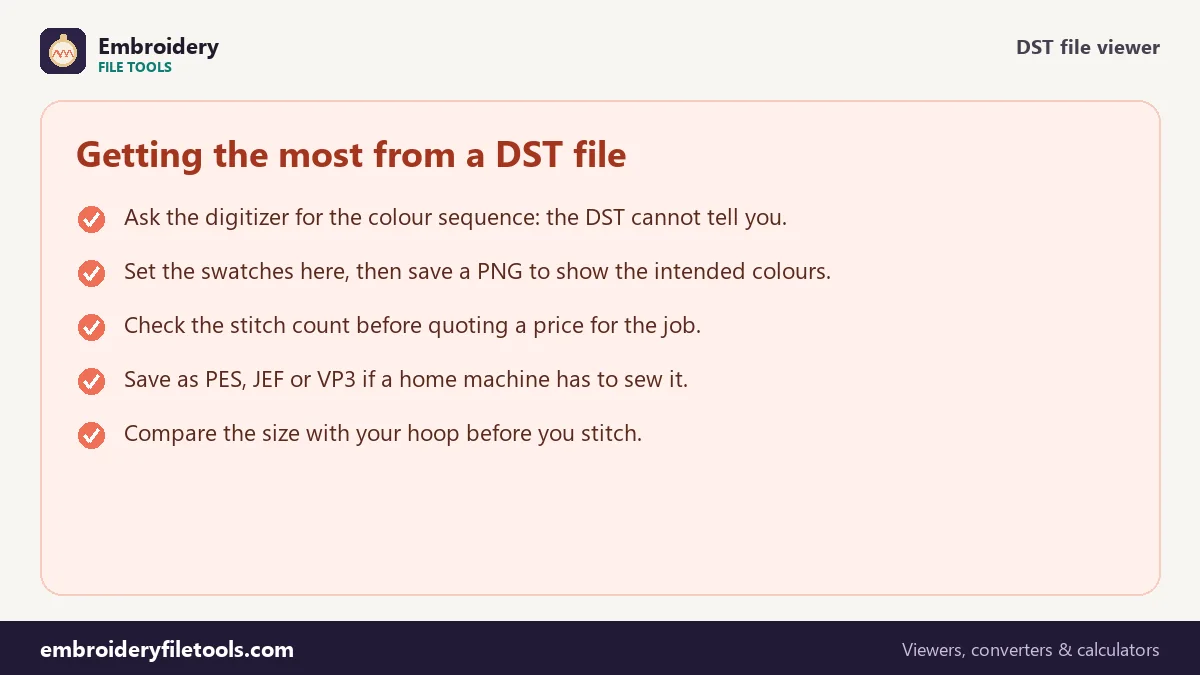
Not from the file, because a DST does not store them. Ask whoever made the design for the colour sequence, then set each colour by clicking its swatch.
Why are there more jumps than trims?
A DST record can move at most 12.1 mm, so a long travel becomes several jumps. A trim is also written as a short run of jumps. The viewer counts each run as one trim.
Is DST the same as DSB or DSZ?
No. DSB and DSZ are related Barudan and ZSK formats with a different stitch encoding. Export a DST from your software instead, or convert the file there first.
Can a home machine sew a DST?
Many can read DST directly, but they will stop at every colour block and show a default colour. Converting the design to your machine's own format, such as PES or JEF, gives you colours on the machine screen.
What does the design name in a DST mean?
It is the label from the header, often the file name the digitizer used, cut to 16 characters. Machines show it on the screen when the design is loaded.
More embroidery file tools
Updated November 2026 · How these tools work