DST to JEF converter
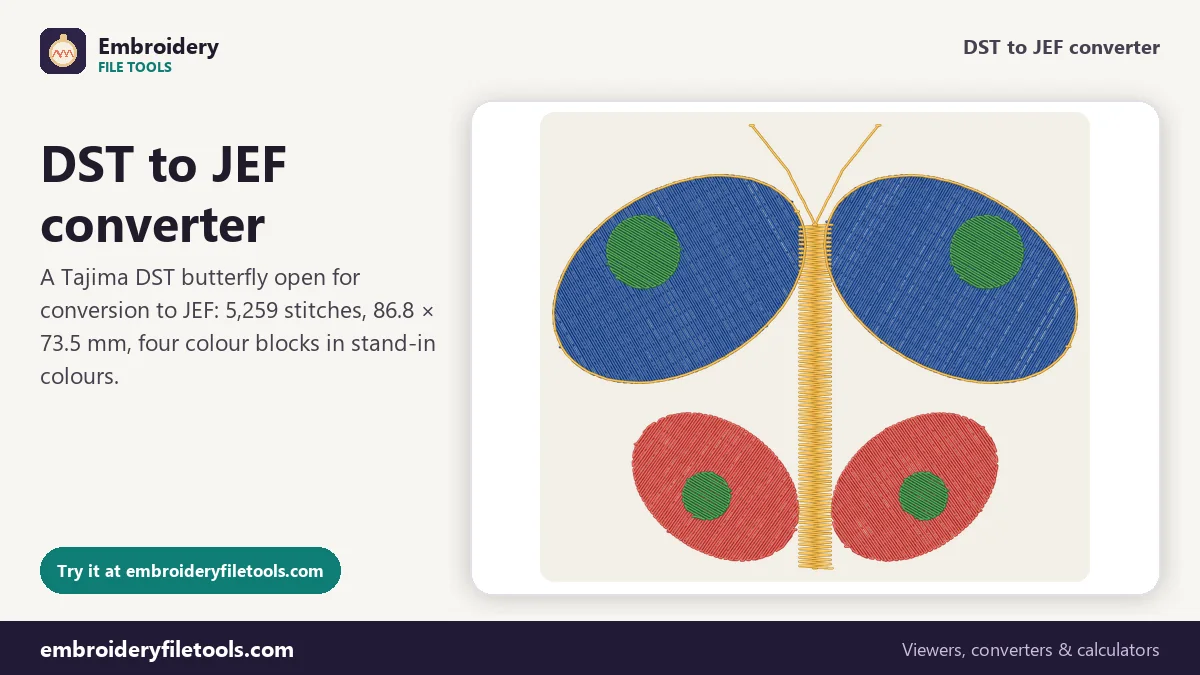
Turn a Tajima DST into a JEF file for a Janome or Elna machine. You choose the thread colours on screen, since the DST has none, and each is stored as a Janome chart number.
Same design as: · · ·
More options
Plenty of embroidery designs only exist as DST. It is the Tajima format that commercial multi-needle machines read, from Tajima and Ricoma to SWF, Happy and Barudan, so digitizing services and design shops supply it by default. A Janome or Elna home machine, or a Kenmore model that uses JEF, needs the Janome format instead. This converter turns one into the other without touching a single stitch. The thread colours are the only thing you have to supply, because a DST never had any.
How to convert DST to JEF
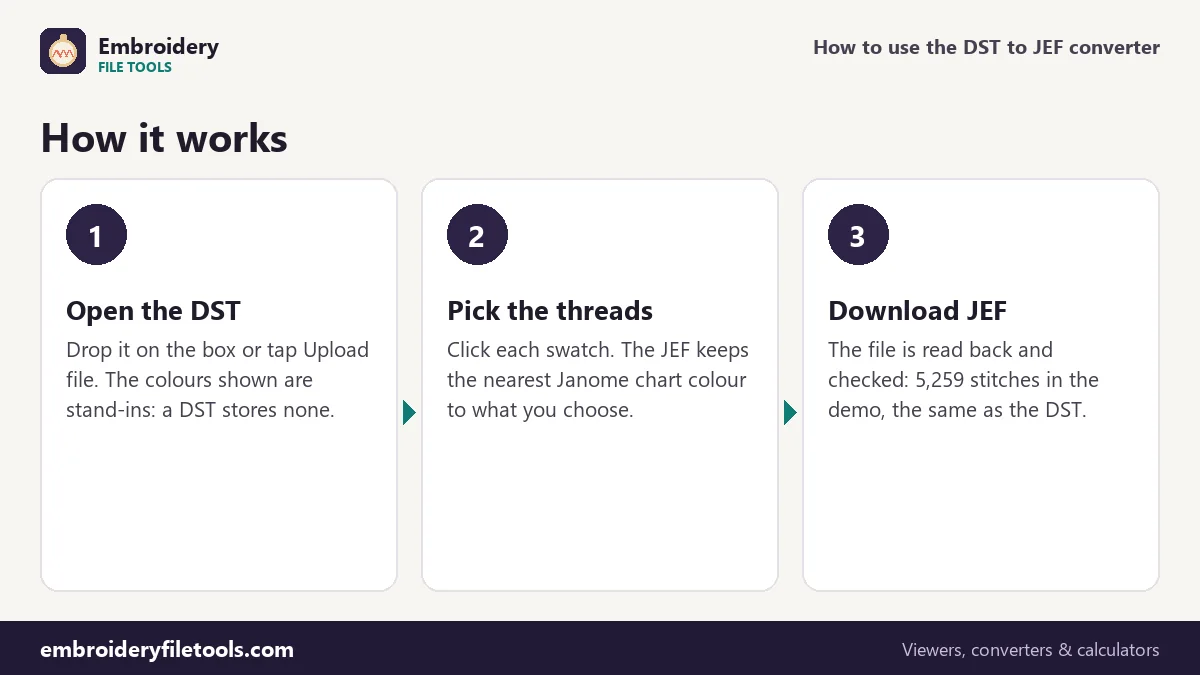
- Open the DST. Drag it onto the upload box, drop it anywhere on the page or tap Upload file. The butterfly marked Demo, already open when the page loads, is a DST with four colour blocks, so you can try each step on it first.
- Set a colour for each block. The thread list has one chip per block with its stitch count. Click a swatch and choose the thread you will sew. The note under the list says the DST colours are stand-ins and that your choices are kept when you save as JEF.
- Download the JEF. Press Download JEF. The converter writes the file, reads it back with its JEF reader and compares. For the demo: "Saved butterfly.jef (10.8 KB). Checked: it opens again with 5,259 stitches, the same as the original."
Once the colours are set, the links under the box can also save the design as PES, EXP or VP3, or as a PNG picture. The upload box stays at the top, so the next DST can go straight in.
What the JEF keeps
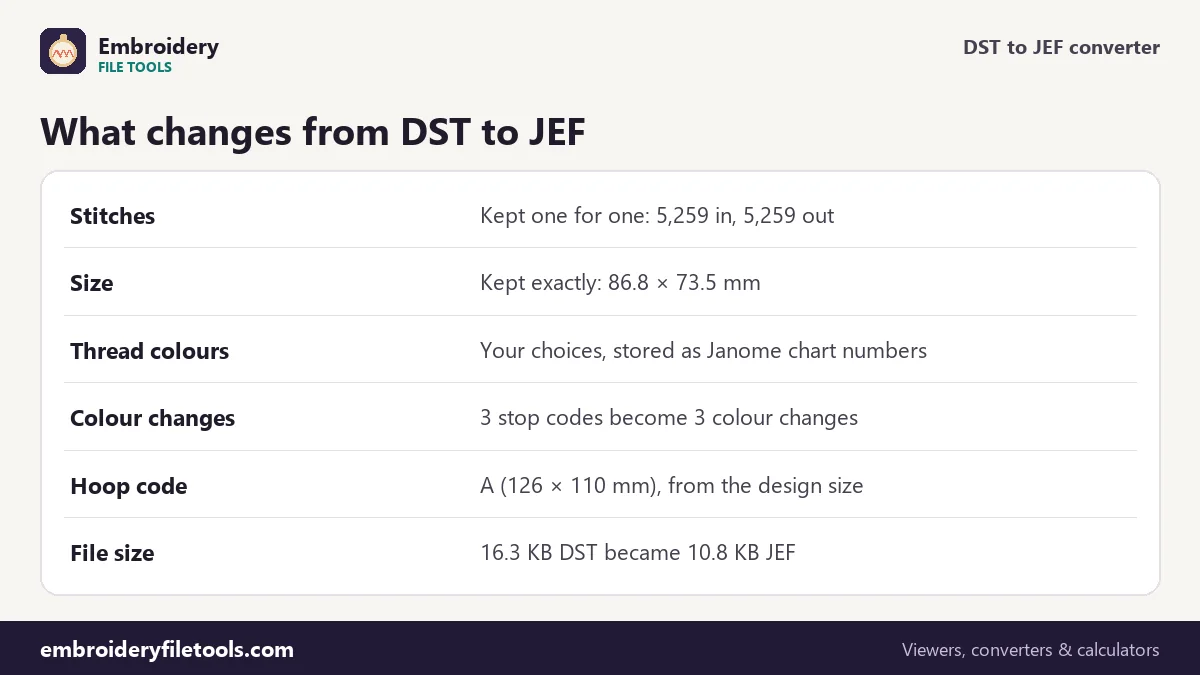
| Part of the design | In the DST | In the JEF |
|---|---|---|
| Stitch positions | 5,259 stitches | 5,259 stitches, same positions to 0.1 mm |
| Design size | 86.8 × 73.5 mm (3.42 × 2.89 in) | 86.8 × 73.5 mm |
| Colour blocks | 4 blocks split by 3 stop codes | 4 colours, 3 colour changes |
| Thread colours | Not stored | Janome chart numbers for the colours you set |
| Hoop | Not stored | Code A, 126 × 110 mm |
| Trims | 19, each a run of three jumps | Left to the jumps unless trim commands are on |
| File size | 16.3 KB | 10.8 KB |
The JEF comes out smaller because of how each format packs a stitch. A DST starts with a 512-byte text header and then spends three bytes on every record; a JEF needs two bytes per stitch after a shorter header. Both count in 0.1 mm steps, so the smaller file is not a less precise one.
From stand-in colours to Janome numbers
A DST holds stop codes where the colour changes, and nothing else about thread. On a multi-needle machine the operator assigns a needle to each stop, so the file never needed colours. Any program that opens one, this converter included, has to show made-up colours, and they say nothing about the design.
A JEF cannot hold an exact colour either. It stores a number from Janome's thread chart of about 78 colours. Whatever you set on a swatch, the converter saves the nearest chart number, and when the JEF is opened again the chip shows the Janome name and number. Expect a surprise now and then: in one of our test designs a bright cherry red matched Janome 235, which the chart calls Burnt Orange. Judge the swatch, not the name.
The fabric colour behind the design can be changed under More options. Set it to the fabric you will use, then pick threads that stand out against it.
Trims: jumps or trim commands
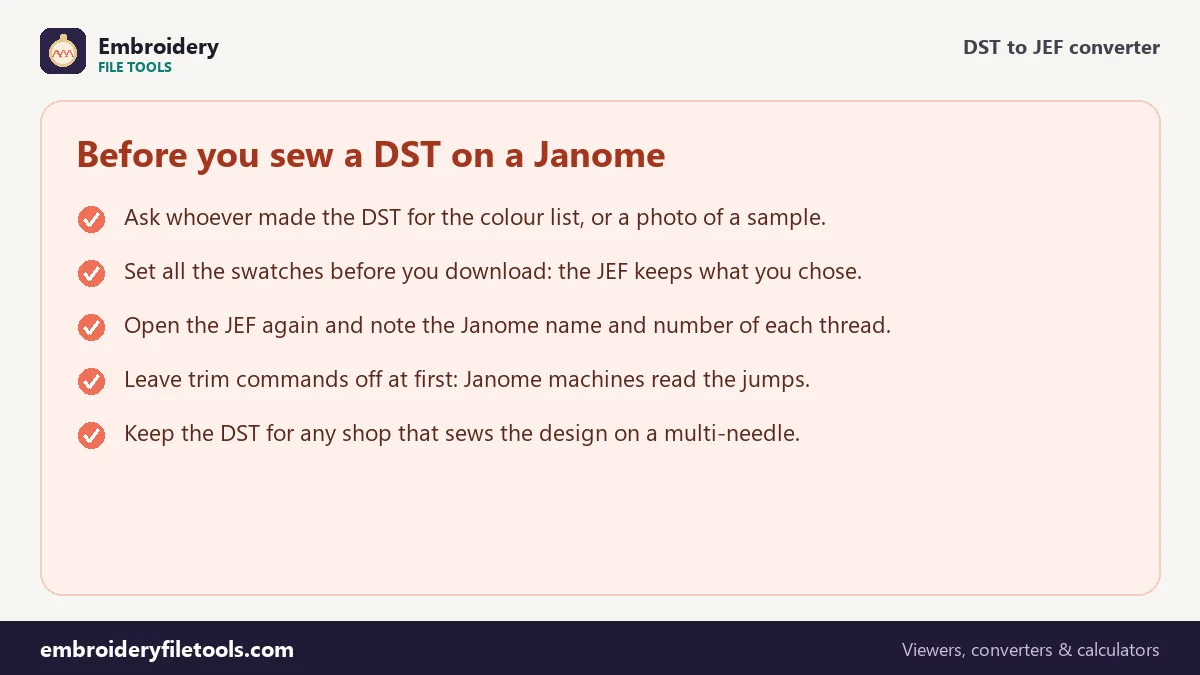
DST has no trim code. A trim is written as a short run of three jumps, which Tajima-compatible machines read as a cut, and the converter finds 19 of them in the demo butterfly. A JEF has 0x80 control codes for a colour change, a jump and the end of the design. By default the converter does not add trim commands to the JEF, because Janome machines read the jumps. Under More options, JEF: write trims as trim commands changes that.
Leave the switch off for a first stitch-out. If the result leaves travel threads you would rather have cut, save a second copy with the switch on and compare the two.
Moves, size and the hoop code
A DST record moves at most 121 units, or 12.1 mm, per axis. A JEF move can be up to 127 units, 12.7 mm, so every DST move already fits and nothing has to be split. The size is kept exactly: 86.8 × 73.5 mm before and after.
The JEF header also carries a hoop code, which the converter picks from the design size. The butterfly is under 126 × 110 mm, so it gets code A. Make sure you own a hoop it fits; the hoop size checker lists the options.
The sewing estimate is about 12 minutes on a single-needle home machine: seven and a half minutes of stitching at 700 stitches a minute, three for the colour changes and nearly two for the trims.
Before you transfer the file, open it in the JEF viewer. You should see the same butterfly, 86.8 × 73.5 mm and 5,259 stitches, now with a Janome name and number on every chip. If a colour landed on a shade you do not own, go back, change that swatch and save again.
DST to JEF: common questions
Why does my DST open in the wrong colours?
A DST stores no colours, so every viewer, including the DST viewer, shows stand-ins. Set the real threads on the swatches before you save the JEF.
Will the JEF keep the exact colour I picked?
It keeps the nearest colour from Janome's chart. JEF stores chart numbers, not exact colours, so a picked shade can shift slightly.
Do the stitch count or the size change?
No. The demo has 5,259 stitches and measures 86.8 × 73.5 mm in both files. Stitches are not added, removed or moved.
What happens to the trims?
The three-jump runs that mark trims in a DST are recognised. In the JEF they are left to the jumps by default, or written as trim commands if you switch that on.
Which hoop code does the JEF get?
One chosen from the design size. The demo butterfly gets code A, 126 × 110 mm, because it is smaller than that.
Can I turn a JEF back into a DST?
Yes, with the JEF to DST converter. The Janome colours are dropped, since DST cannot store them.
More embroidery file tools
Updated November 2026 · How these tools work