PES to VP3 converter
Save a Brother or Baby Lock PES design as a VP3 file for a Husqvarna Viking or Pfaff machine, with its thread names and catalogue numbers kept.
Same design as: · · ·
More options
Brother machines, Baby Lock and the Bernette Deco models that Brother builds all sew PES, and Brother's PE-Design software saves it. Husqvarna Viking and Pfaff machines use VP3 as their current format. So a design that only comes as PES, or a file passed on by a friend with a Brother, has to be rewritten before it can go on a Viking or a Pfaff. This page does that stitch for stitch, and it carries the thread list into the VP3, so you still know which thread goes in for each colour.
How to convert PES to VP3
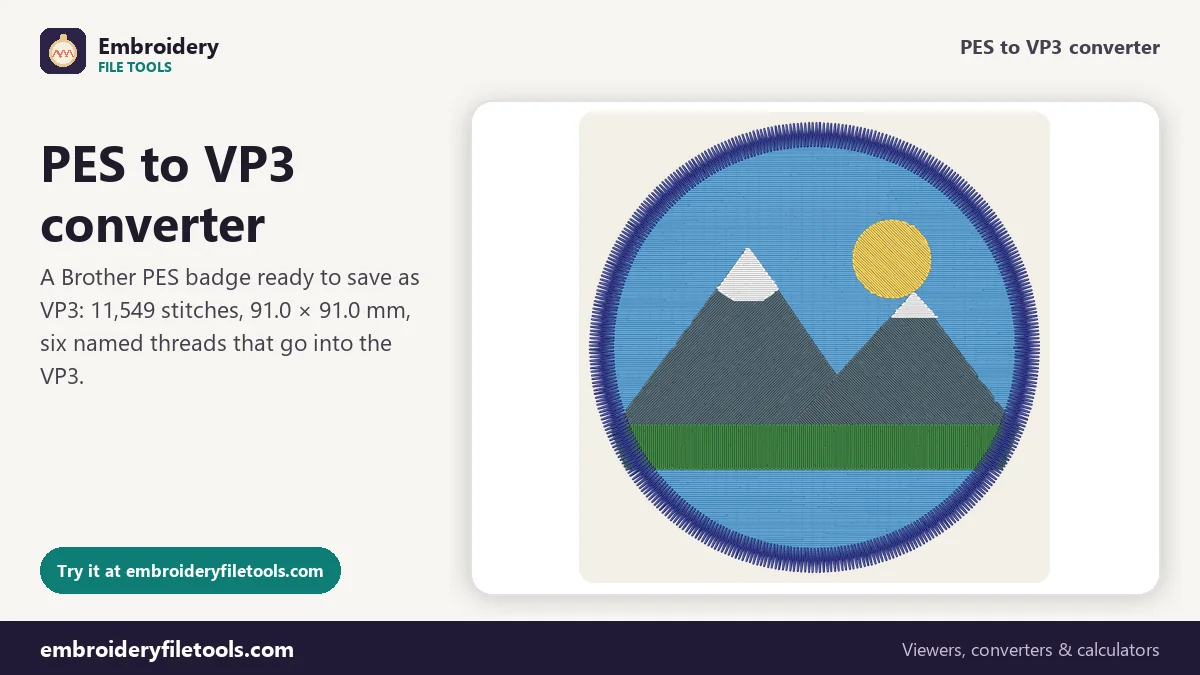
- Open the PES. Drop it on the box, anywhere on the page, or tap Upload file. Old #PES0001 files open as well as the version 6 files PE-Design writes now. Before you load anything, a mountain badge marked Demo is shown.
- Read the numbers. The badge measures 91.0 × 91.0 mm (3.58 × 3.58 in) and has 11,549 stitches in 6 colours, with 5 colour changes and 8 trims. On a home machine that is about 22 minutes of sewing. Each colour in the thread list has a swatch; click one to change that colour before saving.
- Download the VP3. Press Download VP3. The converter writes the file, opens it again with its VP3 reader and reports the file size and stitch count, here 23.2 KB and 11,549 stitches.
For a picture of the design, or a copy in another format, use PNG picture or the Same design as links below the box.
What goes into the VP3
Inside a PES, the stitches the machine sews live in the PEC block, and the real thread colours live in the PE-Design part in front of it. The converter takes the stitches from the first and the threads from the second, then builds the VP3: a big-endian file that starts with %vsm% and is made of nested blocks, each one marked with its length, with one block for every thread.
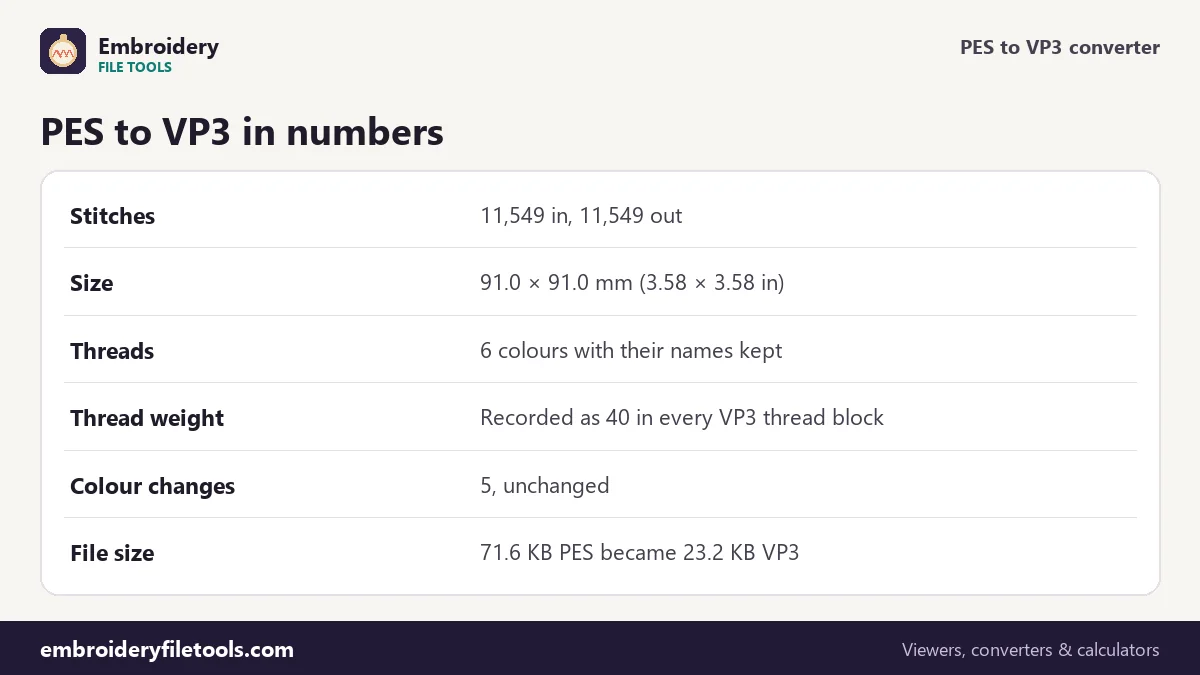
| Part of the design | In the PES | In the VP3 |
|---|---|---|
| Stitches | 11,549 | 11,549, same positions to 0.1 mm |
| Size | 91.0 × 91.0 mm | 91.0 × 91.0 mm |
| Thread colours | RGB in the PE-Design thread list | RGB in one block per thread |
| Thread names | Sky Blue, Sun Yellow, Slate Grey, White, Pine Green, Navy | The same six names |
| Thread weight | Not stored | 40 in every thread block |
| Colour changes | 5 | 5 |
| File size | 71.6 KB | 23.2 KB |
The VP3 is roughly a third of the size. It leaves out what only Brother machines use, such as the index into Brother's 64-colour chart and the small 48 × 38 pixel pictures for the machine screen, and most of its stitches take one byte per axis.
Thread names, numbers and the weight field
A VP3 thread block has fields for the colour, catalogue number, name, brand and weight. The converter fills them from the PES, so a program that reads the VP3 can list the badge's threads as Sky Blue, Sun Yellow and so on, rather than six unnamed colours. When a PES also carries a brand and catalogue number for a thread, those fields are filled in too.
PES has no weight field, so the writer records 40 in each block, the usual weight for machine embroidery thread. The number is a label. If you sew the badge with a finer or heavier thread, the file does not change how the machine stitches.
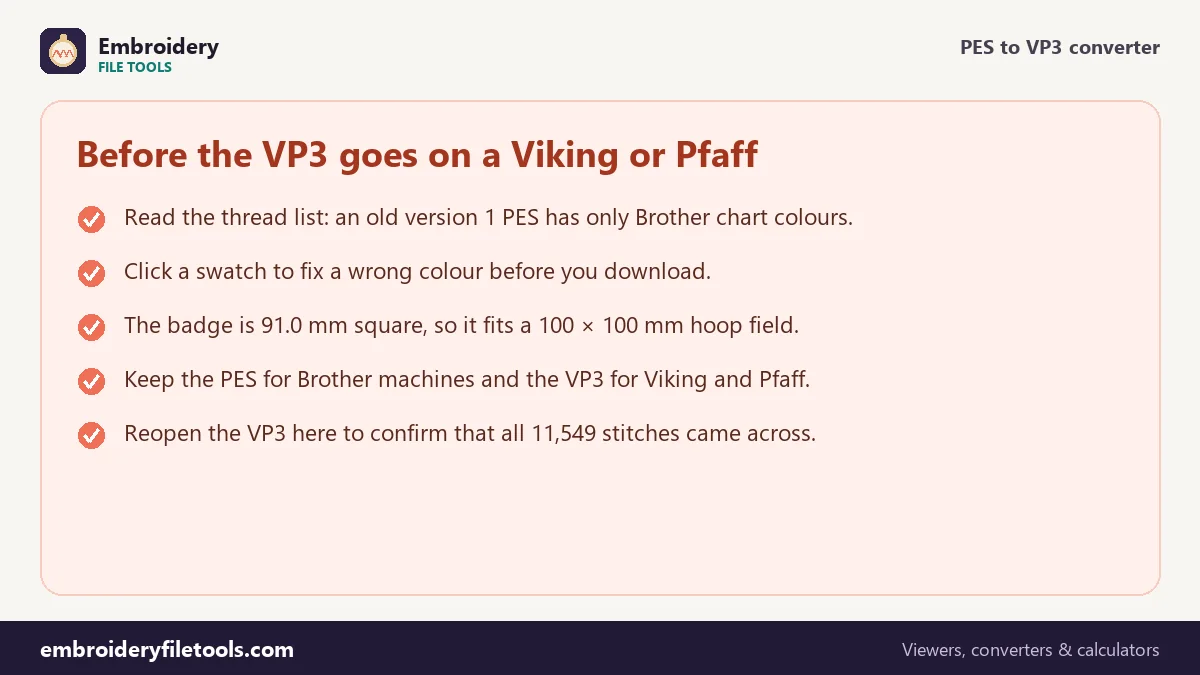
The one case to watch is an old PES. A version 1 file has no PE-Design thread list with real colours, only the PEC chart colours, and those are what the VP3 will receive. The difference is easy to spot: names from Brother's chart instead of the thread names you expected. One measured example from another of our demo designs: threads called Forest Green and Rose Pink show up as Moss Green and Deep Rose in a version 1 PES. If that happens, click each swatch and set the real thread colour before you download.
Moves and trims in a VP3
PES stores each move in a short 7-bit form or a long 12-bit form, up to 2,047 units, which is 204.7 mm. VP3 uses one byte per axis for ordinary stitches and a long form for moves of up to 3,200 units, or 320 mm. Every move a PES can hold therefore fits in a VP3, and nothing has to be split.
VP3 has no jump command. After a trim, the travel to the next part of the design is stored as one long move. So in the VP3, the travel after each of the badge's 8 trims is a single long move rather than a run of jumps. If you later convert that VP3 to another format, the converter turns those long moves back into proper jumps.
Checking the VP3 and choosing a hoop
Open the saved file in the VP3 viewer and compare the thread list, the size and the stitch count with what the converter showed. Positions in both formats are stored in 0.1 mm steps, so the size cannot drift.
The badge, 91.0 mm square, fits a 4" × 4" hoop with its 100 × 100 mm field. The hoop size checker shows which hoops your own designs need.
Some older Husqvarna Viking designs are HUS files from the Designer I era. This site opens HUS but does not write it; for current Viking and Pfaff machines, VP3 is the format to save.
PES to VP3: common questions
Will the thread colours be right on my Viking or Pfaff?
The VP3 stores the exact colour, name, brand and catalogue number of each thread, taken from the PES. If the PES was an early version 1 file, it held only Brother chart colours, so check the swatches and correct them before saving.
Why is the VP3 so much smaller than the PES?
The PES carries parts only Brother machines use, such as chart indexes and screen pictures, as well as the PE-Design section. The VP3 drops those. The stitches are the same: 11,549 in both files for the demo.
Does the weight of 40 matter if I use other thread?
No. It is a field in each thread block, written as 40 because PES has no weight to copy. It does not change the stitching.
Can I save a HUS file for an older Viking?
No. HUS can be opened here but not written. For current Husqvarna Viking and Pfaff machines, VP3 is the format to use.
Does the converter change the size or the density?
No. Every stitch keeps its position to 0.1 mm, and no stitches are added or removed. A proper resize with new fill density needs digitizing software.
How do I convert a VP3 back to PES?
Use the VP3 to PES converter. The thread names and numbers travel back into a version 6 PES.
More embroidery file tools
Updated November 2026 · How these tools work