Embroidery stitch calculator
Drop a logo to estimate its stitch count at the size you want, or drop an embroidery file for the exact count. Sewing time and price come with it.
More options
Embroidery is priced and planned by the stitch. A shop quotes per thousand stitches, a machine's run time depends on the count, and the count tells you whether a design will be stiff and heavy or light on the fabric. Before a logo is digitized, nobody knows the exact number, but it can be estimated well from two things: how much of the design area is covered by stitching, and what kind of stitching it is. This calculator measures the first from your artwork and asks you for the second. When you already have the embroidery file, drop it instead and you get the exact count.
How to calculate the stitch count
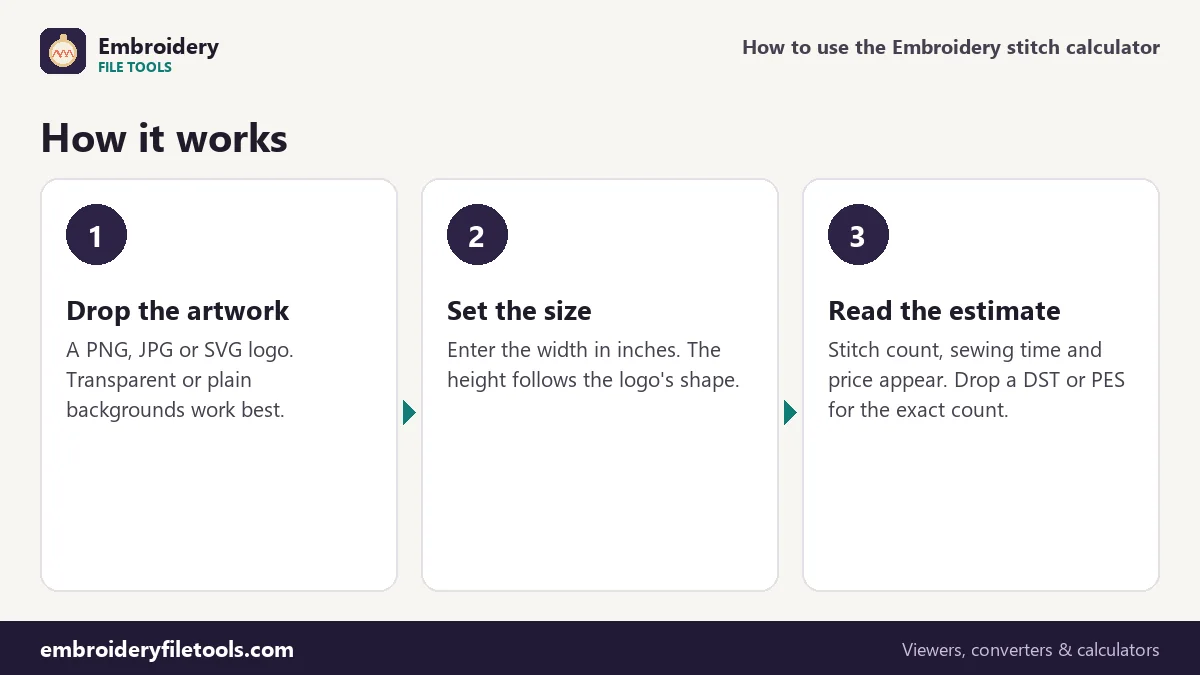
- Drop the artwork. A PNG, JPG, WebP or SVG of the logo. The calculator finds the drawn area by itself: transparent pixels are background, and on pictures without transparency the colour in the corners is taken as the background.
- Enter the width. Type the stitched width in inches. The height follows the shape of the artwork, so a round badge stays round; you can still type a different height.
- Pick the stitch type. Fill areas for logos made of solid shapes, Satin and lettering for text and narrow borders, Light or open fill for large flat shapes or sketch-style designs.
- Read the result. The estimated stitch count, the sewing time and a price at your rate per 1,000 stitches appear under the inputs and update as you type.
With an embroidery file (DST, PES, JEF, EXP, VP3, XXX or HUS) the calculator skips the estimate and reads the stitches from the file. The demo badge's DST, for example, has exactly 11,549.
The formula behind the estimate
The estimate is a simple product:
stitches = width × height × covered share × stitches per square inch
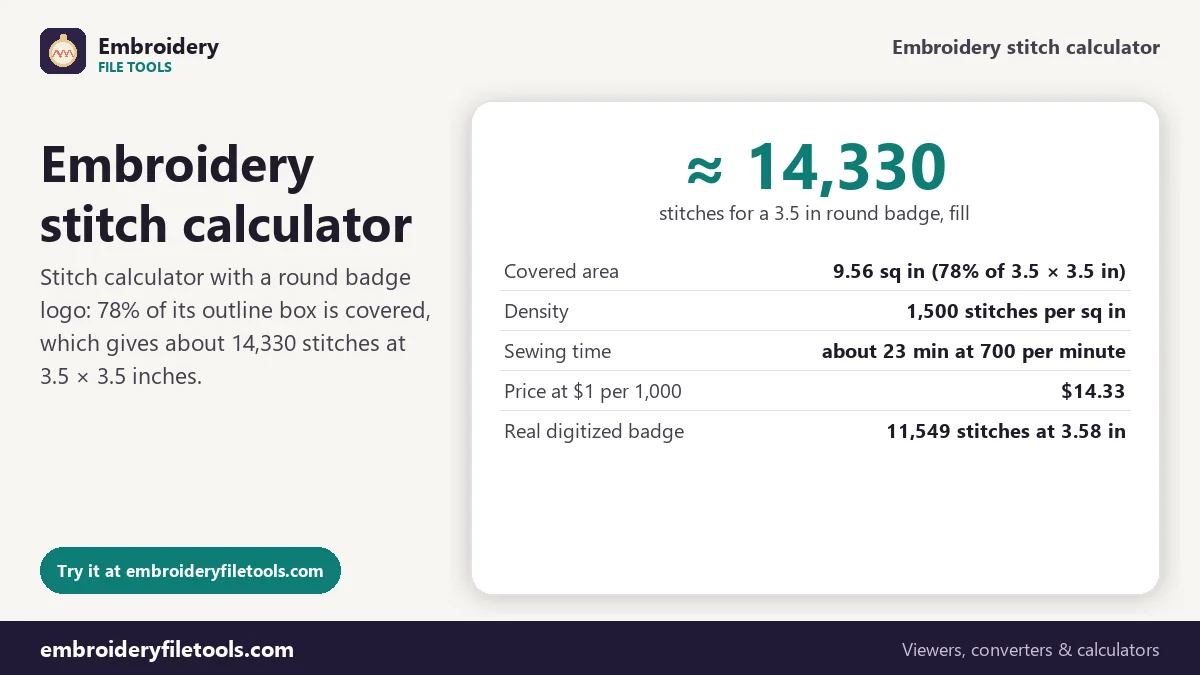
For the demo badge at 3.5 × 3.5 inches, the round shape covers 78% of its outline box. That is 9.56 square inches of stitching. At 1,500 stitches per square inch for fill, the estimate comes to about 14,330 stitches. With the same logo set to Light or open fill it is about 9,560.
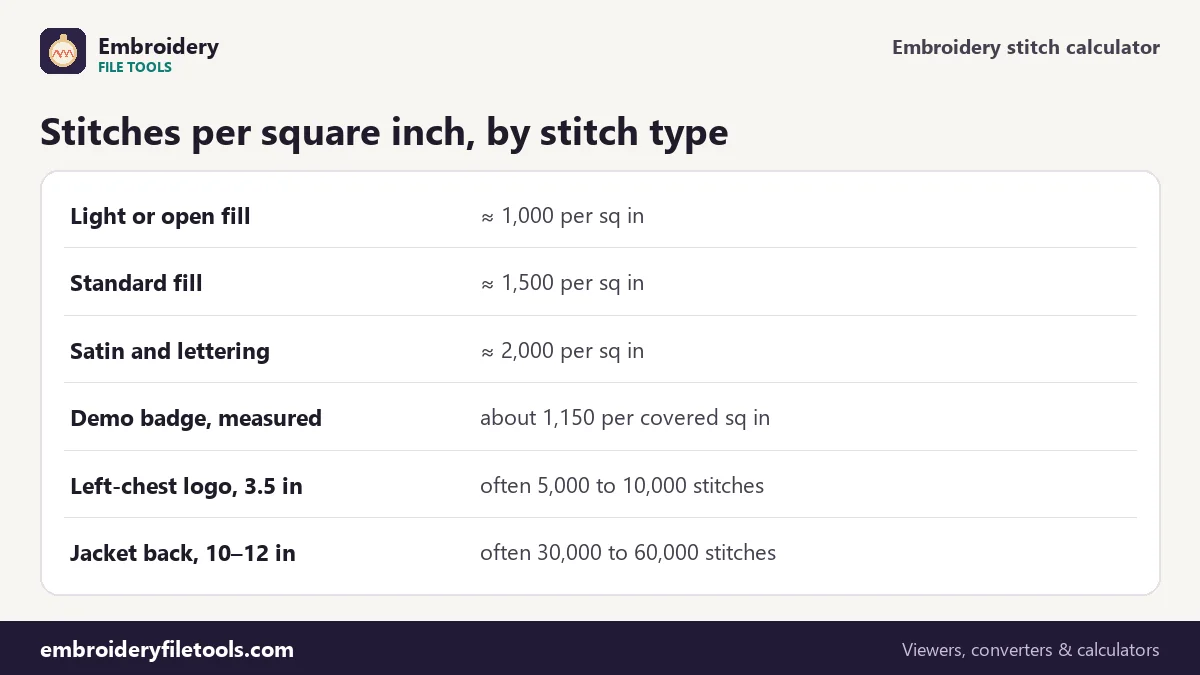
| Stitch type | Stitches per sq in | Demo badge at 3.5 in |
|---|---|---|
| Light or open fill | about 1,000 | ≈ 9,560 |
| Fill areas | about 1,500 | ≈ 14,330 |
| Satin and lettering | about 2,000 | ≈ 19,110 |
How close is the estimate?
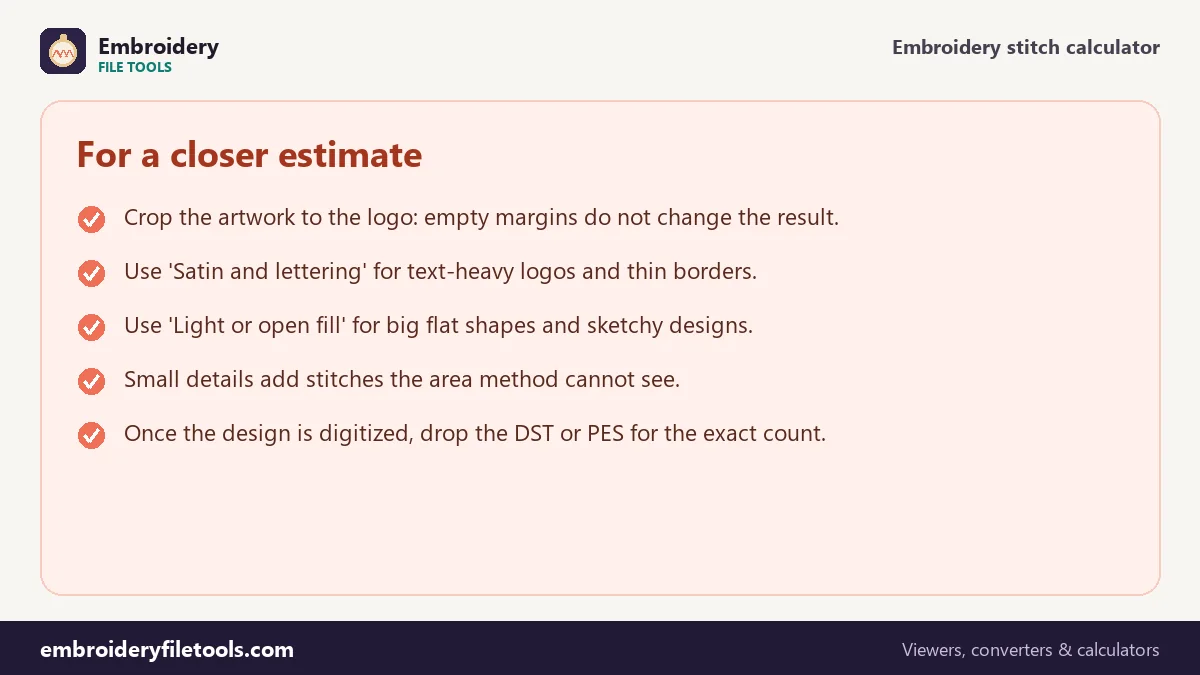
We can check that against a real file, because the demo logo was also digitized. The digitized badge is 3.58 inches across and has 11,549 stitches. Its covered area is about 10.0 square inches, so it works out at roughly 1,150 stitches per square inch: between the light and the standard setting. That is typical for designs built from big flat areas, which are cheap to fill. Logos with lettering, thin outlines and many small shapes go the other way, because every edge, every satin column and every short travel adds stitches.
So treat the estimate as a range: the light and satin settings give you the low and high ends, and the fill setting a sensible middle. For quoting a job before it is digitized that is usually enough. Once the digitizer delivers the file, drop it here for the exact number.
Sewing time and price
The time estimate divides the stitches by the machine speed, 700 stitches per minute for a single-needle home machine, and adds a few seconds per trim and a minute per colour change. For an estimate from artwork, the calculator assumes one trim per 1,500 stitches and takes the number of colours from More options. The demo badge comes to about 23 minutes. Choose a multi-needle machine under More options and it drops sharply, because those machines run at about 1,000 stitches per minute and change colour by themselves.
The price line multiplies the count by your rate per 1,000 stitches, $1.00 by default. Many shops charge somewhere between $0.50 and $1.50 per thousand, often with a minimum per piece. For a full quote with quantities, set-up fees and blanks, take the count to the embroidery pricing calculator.
Typical stitch counts by placement
Size is the biggest driver, because the count grows with area: double the width of a logo and its stitch count roughly quadruples. Some common placements:
- Left chest: 3 to 4 inches wide. A typical logo lands between 5,000 and 10,000 stitches.
- Cap front: about 2 to 2.25 inches tall and up to 4.5 inches wide; often 6,000 to 10,000 stitches.
- Sleeve: 1 to 3 inches; small text-only marks can be under 2,000.
- Jacket back: 10 to 12 inches wide; full designs often run 30,000 to 60,000 stitches or more.
For a design that is already digitized, the embroidery file viewer shows the count along with the size, and the hoop size checker tells you which hoop it needs.
Stitch calculator: common questions
How many stitches are in a square inch of embroidery?
Common rules of thumb are about 1,500 for fill and around 2,000 for satin and lettering. Open fills and large flat areas can be nearer 1,000. Our digitized demo badge measured about 1,150.
How do I calculate stitch count for a logo?
Multiply the stitched area in square inches by a density for the stitch type. The calculator measures the area from your artwork, so you only enter the width.
How long does it take to embroider 10,000 stitches?
At 700 stitches per minute, about 14 minutes of sewing, plus time for trims and colour changes. A multi-needle machine at 1,000 per minute needs about 10 minutes plus a few seconds per change.
Why is my digitized file different from the estimate?
Underlay, density, stitch length, overlaps and small details all change the count. The estimate uses averages; the file is the real thing.
Can I use a JPG with a white background?
Yes. The colour in the corners is taken as the background, so a logo on a plain white or coloured background works. Busy photos do not.
What if the logo has text only?
Choose Satin and lettering. Thin text covers little area but uses dense satin stitches, so the fill setting would underestimate it.
More embroidery file tools
Updated November 2026 · How these tools work