EXP to PES converter
Open a Melco or Bernina EXP design and save it as a Brother PES. EXP files carry no colours, so you choose the threads here before saving.
Same design as: · · ·
More options
EXP is the stitch format of Melco commercial machines, and Bernina uses it too. Brother, Baby Lock and the Brother-made Bernette Deco machines read PES instead. So when a design arrives as an EXP, from a shop that runs a Melco or from a Bernina owner, and you sew on a Brother, it needs converting first. EXP is about as bare as an embroidery file gets: no header, no colours, just stitches and a few control codes. The PES you make here gets everything the EXP has, plus the thread colours you choose.
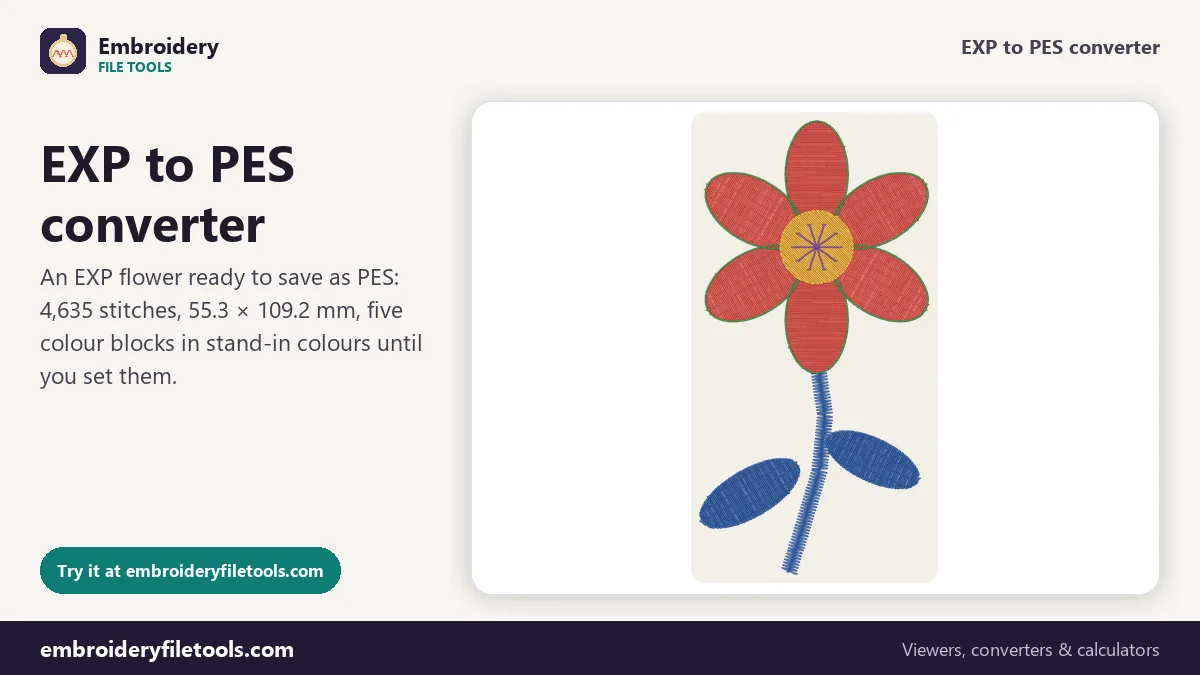
Converting EXP to PES in three steps
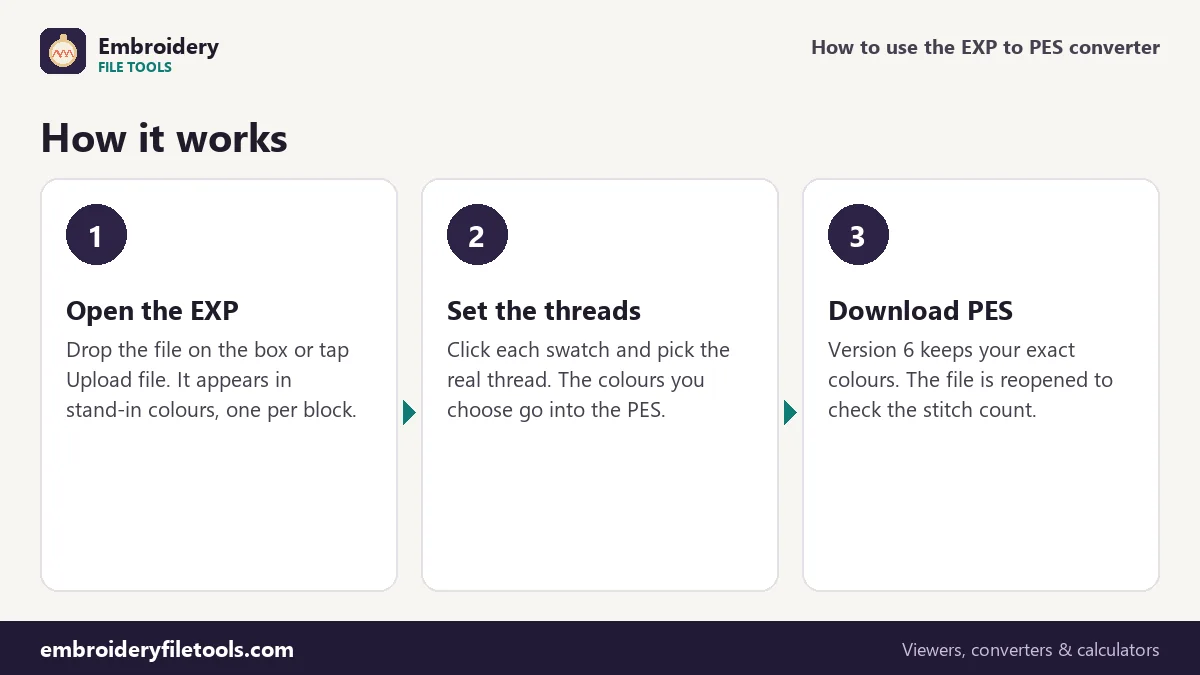
- Open the EXP. Drop it on the box or anywhere on the page, or tap Upload file. Until then a flower marked Demo is shown. The design is drawn in stand-in colours, one for each colour block, because the EXP does not say which threads were used.
- Choose the threads. Click a swatch in the thread list to change it. A note under the list explains that these colours are stand-ins and that whatever you pick is kept when you save as PES. The five blocks of the demo flower were digitized as Forest Green, Rose Pink, Deep Magenta, Sunflower and Cocoa.
- Download the PES. Press Download PES. The converter writes the file, reopens it with its own reader and reports the saved size and stitch count: 31.5 KB and 4,635 stitches for the demo, the same count as the EXP.
Ctrl + scroll or a pinch zooms in on a block; ⤢ fits the whole design again.
From a bare EXP to a full PES
An EXP file has no header at all. It starts straight away with stitches, two bytes each, and uses control codes to mark a colour change, a jump or a trim. One move can be at most 12.7 mm. Because there is no header, the file does not record its own size, stitch count or design name; the converter works these out by reading every stitch. The PES it writes has a PE-Design section with a thread list, followed by the PEC block the Brother sews from, with Brother chart colours and small pictures for the machine screen.
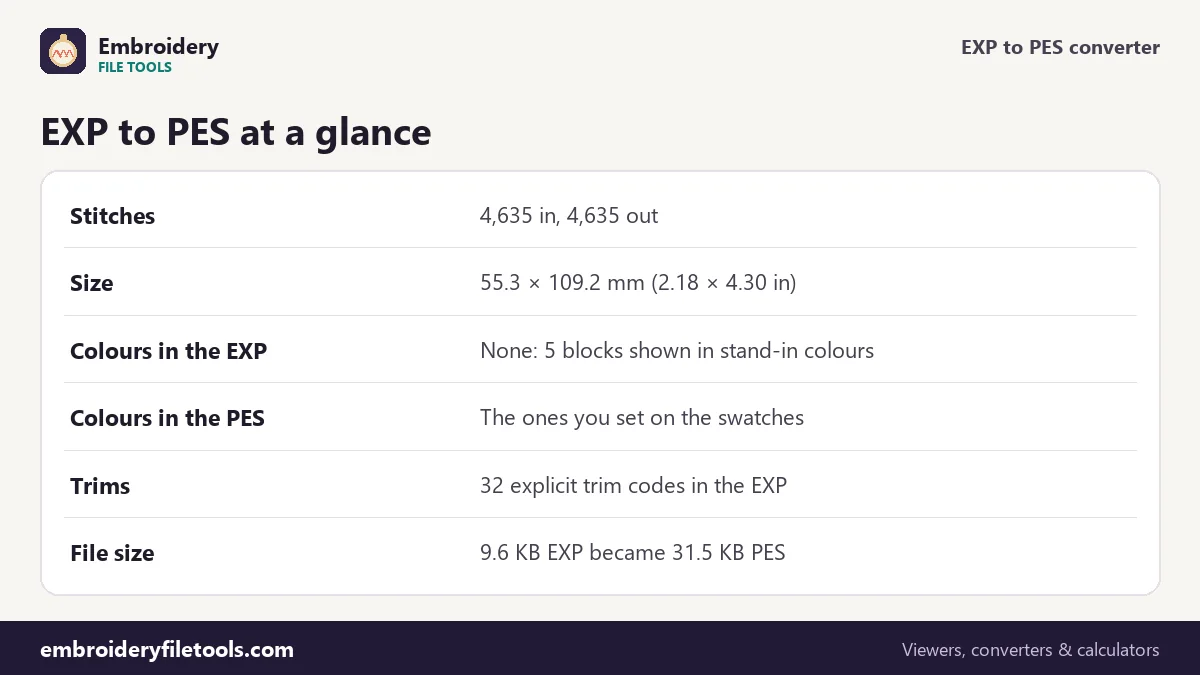
| Part of the design | In the EXP | In the PES |
|---|---|---|
| Stitches | 4,635 | 4,635, positions unchanged to 0.1 mm |
| Size | Not stored; 55.3 × 109.2 mm from the stitches | 55.3 × 109.2 mm (2.18 × 4.30 in) |
| Colour blocks | 5, separated by 4 stops | 5 threads, 4 colour changes |
| Thread colours | None | The colours you set, stored exactly in version 6 |
| Trims | 32 explicit trim codes | Written as PES trims |
| Longest single move | 12.7 mm | Up to 204.7 mm |
| File size | 9.6 KB | 31.5 KB |
The PES is more than three times the size of the EXP. None of that is extra stitching: the EXP holds nothing but the stitch records, while the PES adds the PE-Design section, the thread list and the machine-screen pictures.
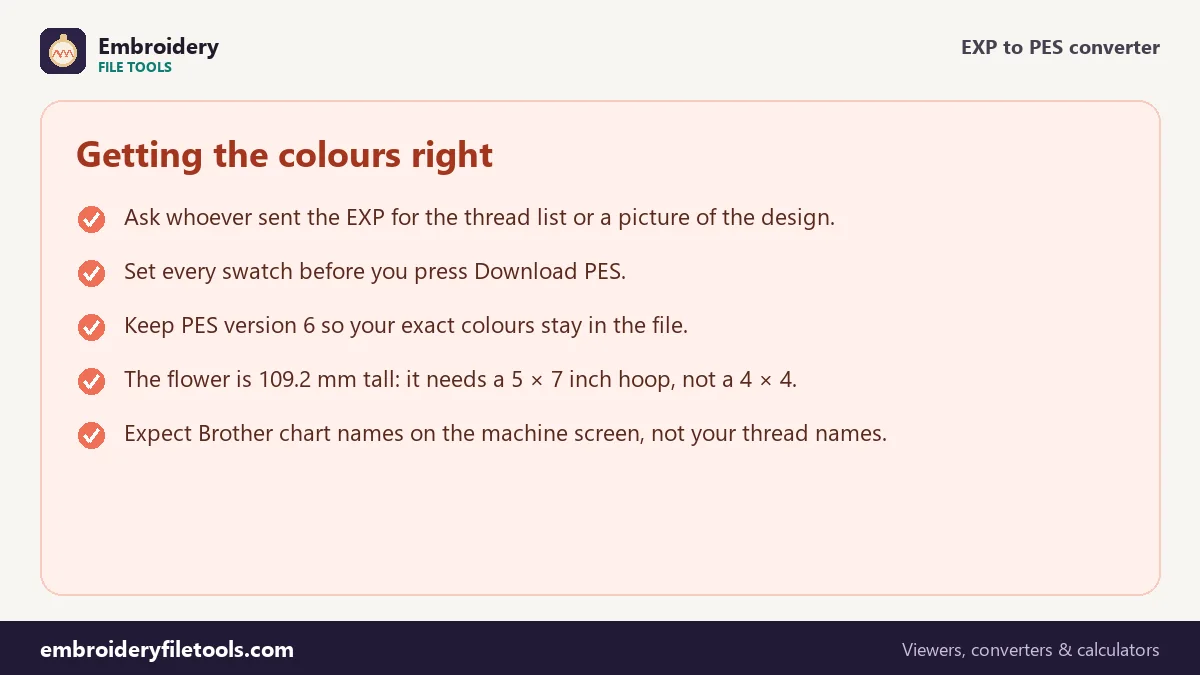
Setting the colours EXP leaves out
A colour change in an EXP only means "next thread". Which thread that is gets decided by the person at the machine, so every program that opens an EXP has to invent colours to draw it. The PES is different: it has a thread list, and the Brother machine shows a colour on its screen for every block. Whatever is on the swatches when you press Download PES is what goes into that list.
The best source for the real colours is the thread chart or picture that came with the design. Failing that, choose by eye from the shape: leaves and stems, petals, centre. For the demo flower, set the five blocks to Forest Green, Rose Pink, Deep Magenta, Sunflower and Cocoa.
In a version 6 PES, the default, those exact colours are stored. The machine screen, however, can only show Brother's 64 chart colours and picks the nearest. Measured with the flower's original threads, Forest Green, Rose Pink, Deep Magenta, Sunflower and Cocoa appear on the screen as Moss Green, Deep Rose, Dark Fuchsia, Harvest Gold and Pewter. Those chart colours are also all that a version 1 PES keeps, so leave PES version under More options on version 6 unless an old machine refuses the file.
Trims, jumps and sewing time
Unlike DST, which has no trim code and writes a trim as a short run of jumps, EXP has a real trim command. The demo flower uses it 32 times, and the converter writes each trim the way PES expects. Travels in an EXP are limited to 12.7 mm per move, so longer ones are stored as chains of jumps. A PES move can reach 204.7 mm, so nothing has to be split on the way into the PES.
Those trims add up. The converter estimates about 14 minutes for the flower on a single-needle home machine, using 700 stitches a minute, 6 seconds per trim and 60 seconds per colour change. The 4,635 stitches account for roughly six and a half minutes; the 32 trims and 4 colour changes add about seven more. More options switches the estimate to a multi-needle machine, with 1,000 stitches a minute, 4 seconds per trim and 5 seconds per colour change.
Hoop size and a last look
The flower is 55.3 mm wide but 109.2 mm tall. That is too tall for a 4" × 4" hoop, whose field is 100 × 100 mm, and it fits a 5" × 7". The hoop size checker does the same comparison for any design.
Then open the PES in the PES viewer. You should see your chosen colours, the same outline and 4,635 stitches. If a design reached you as a DST as well as an EXP, it has the same missing-colour problem, and the DST to PES converter handles it the same way.
EXP to PES: common questions
Why does my EXP open in odd colours?
EXP files store no colours at all, only the points where the thread changes. Every program shows them in stand-in colours. Click the swatches to set the real ones before you save the PES.
Will the PES remember the colours I pick?
Yes. The colours on the swatches are written into the PES thread list. Version 6 keeps them exactly; the machine screen shows the nearest Brother chart colour.
Are the EXP trims kept?
Yes. EXP has an explicit trim code, and each one is written as a trim in the PES. The demo flower has 32 of them.
My EXP came from a Bernina, not a Melco. Is that a problem?
No. Bernina uses the same EXP format, so the stitches, stops and trims are read the same way.
Does the converter change the stitches?
No. Every stitch stays at the same position to 0.1 mm, and none are added or removed, so the density is exactly what the digitizer made.
More embroidery file tools
Updated November 2026 · How these tools work